People Page
The People page is where delegated administrators manage the people they are responsible for — onboarding new users, editing attributes, managing organizational assignments, and handling lifecycle operations — without requiring direct access to underlying directory structures. Access it by selecting People from the Resource Type menu.
To access the People page you need:
UI-Res-Admin-MS-Peoplefor full people management, orUI-Res-Admin-MS-People-Basefor read-only / limited accessVIS-Res-Admin-MS-API— required for all Resource Admin usersUI-Res-Admin-MS-Common— required for all Resource Admin users
See Assigning Management Roles Needed to Access Resource Admin.
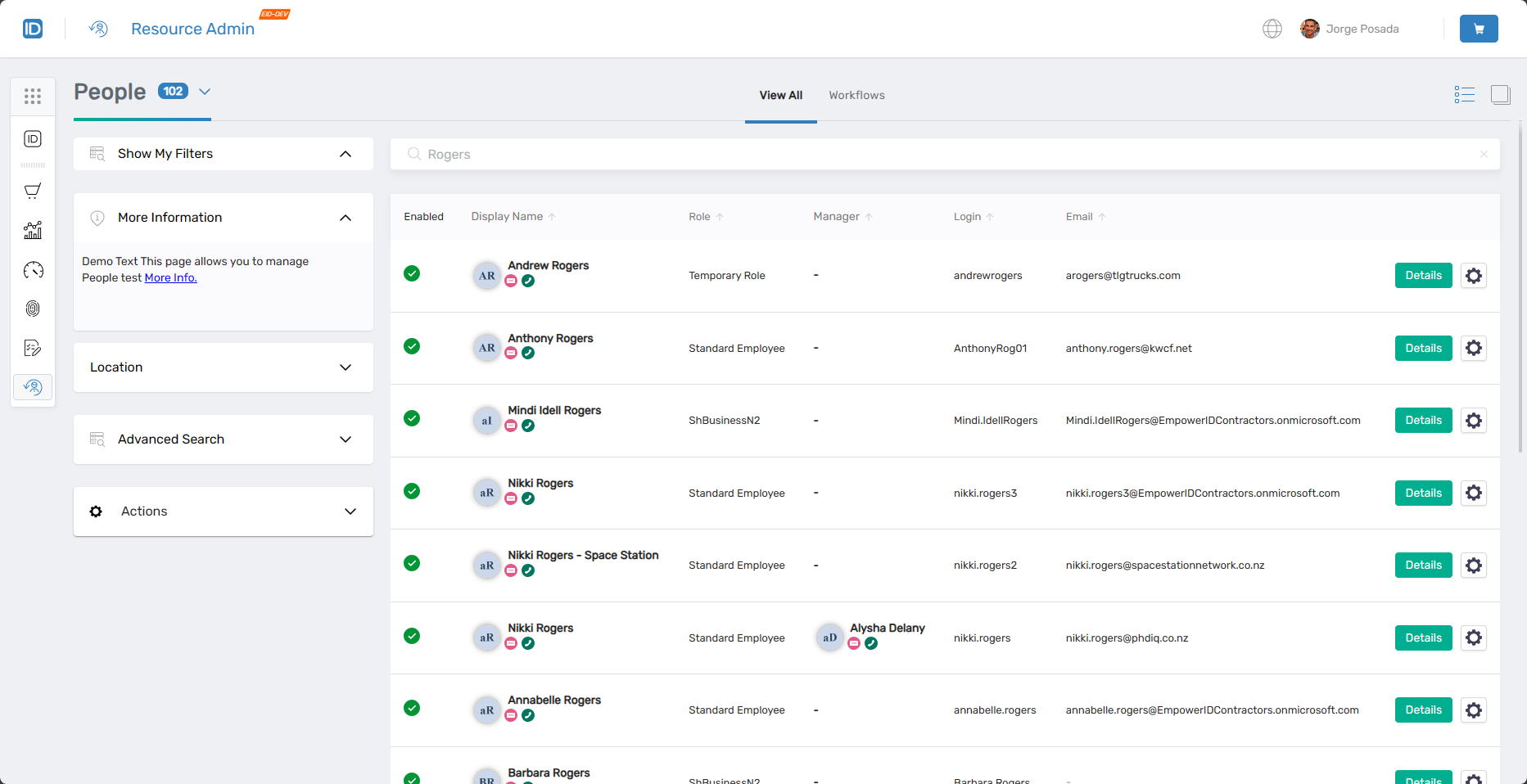 People page showing the main interface with filters and people listings
Finding People
Search matches against the following attributes simultaneously:
- Name
- FriendlyName
- FirstName
- LastName
- Login
- EmployeeID
Entering "Arnold" returns all people where that string matches any of those fields.
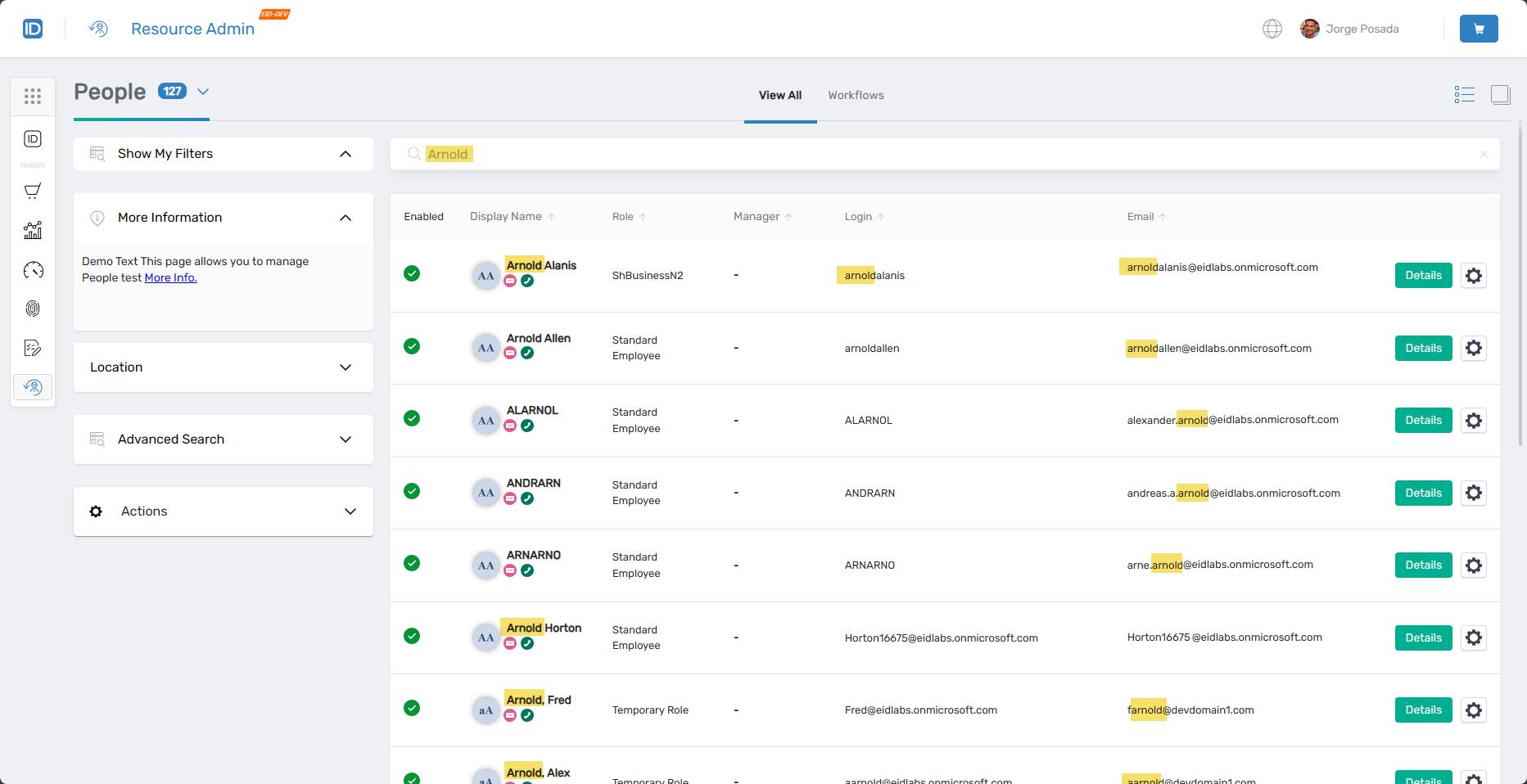 Search results showing people matching "Arnold" across various attributes
People Search Filters
Use filters alongside the search bar to narrow results.
| Filter | Description |
|---|---|
Location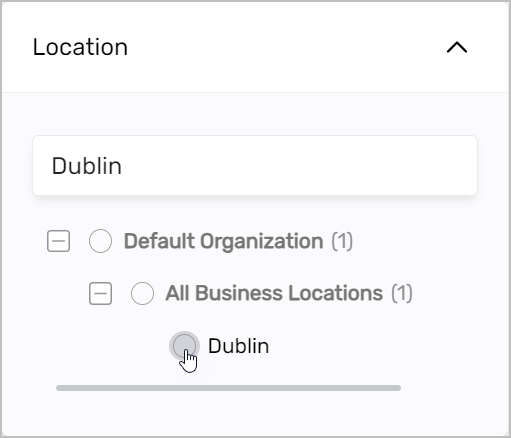 | Filters people to those belonging to the selected location. |
Advanced Search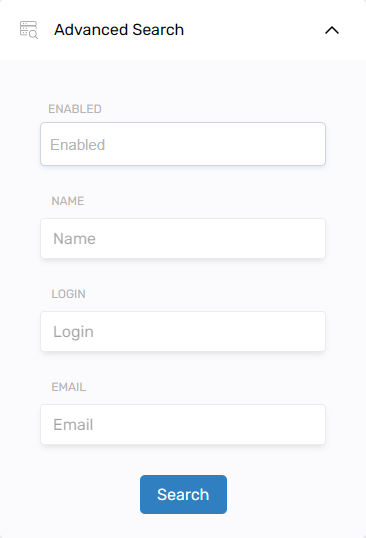 | Attribute-level filtering by Enabled status, Name, Login, or Email. |
Working with People
Select the Details link on a Person record to open the Person Details page. From here you can view and edit the person's attributes, explore their application assignments, and take management actions. Select the gear icon to launch context-sensitive workflows for managing the person's record.
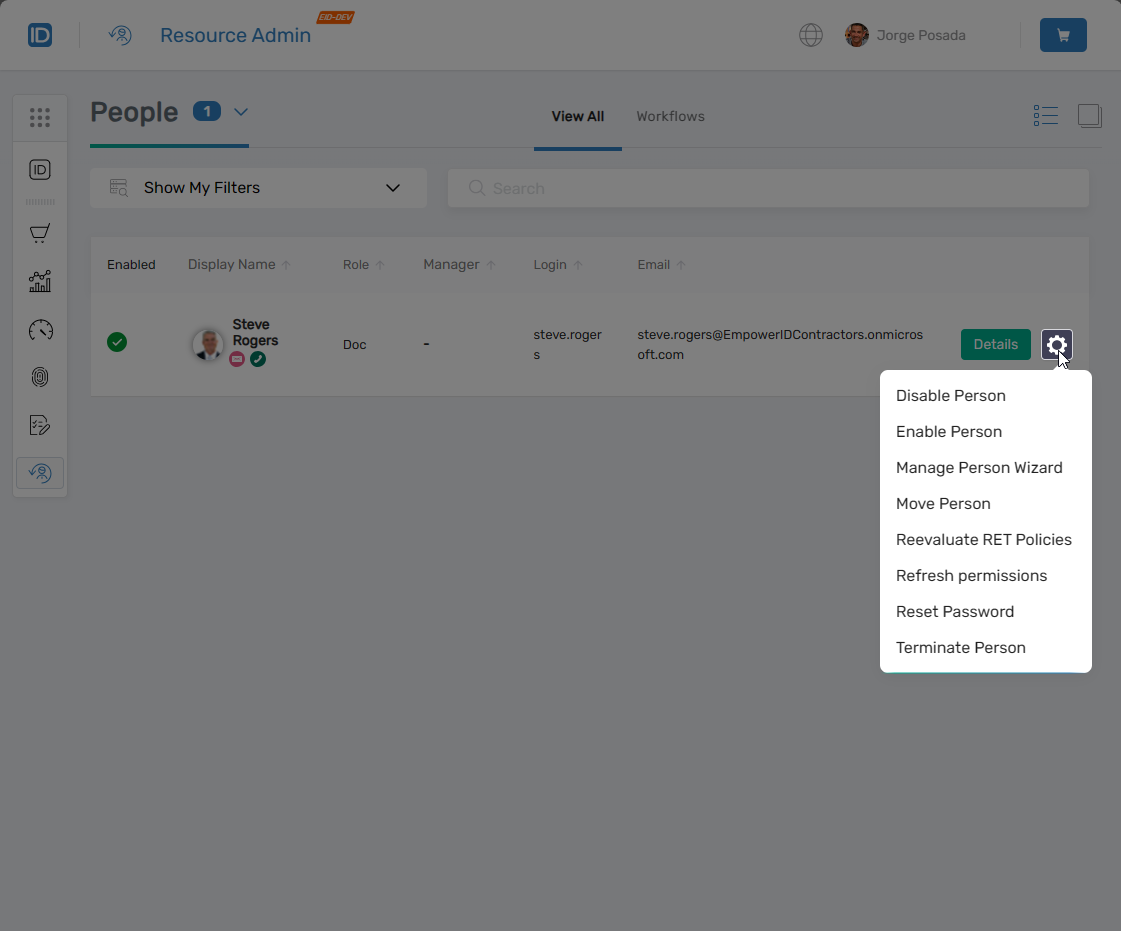 Person record showing Details link and contextual workflow button
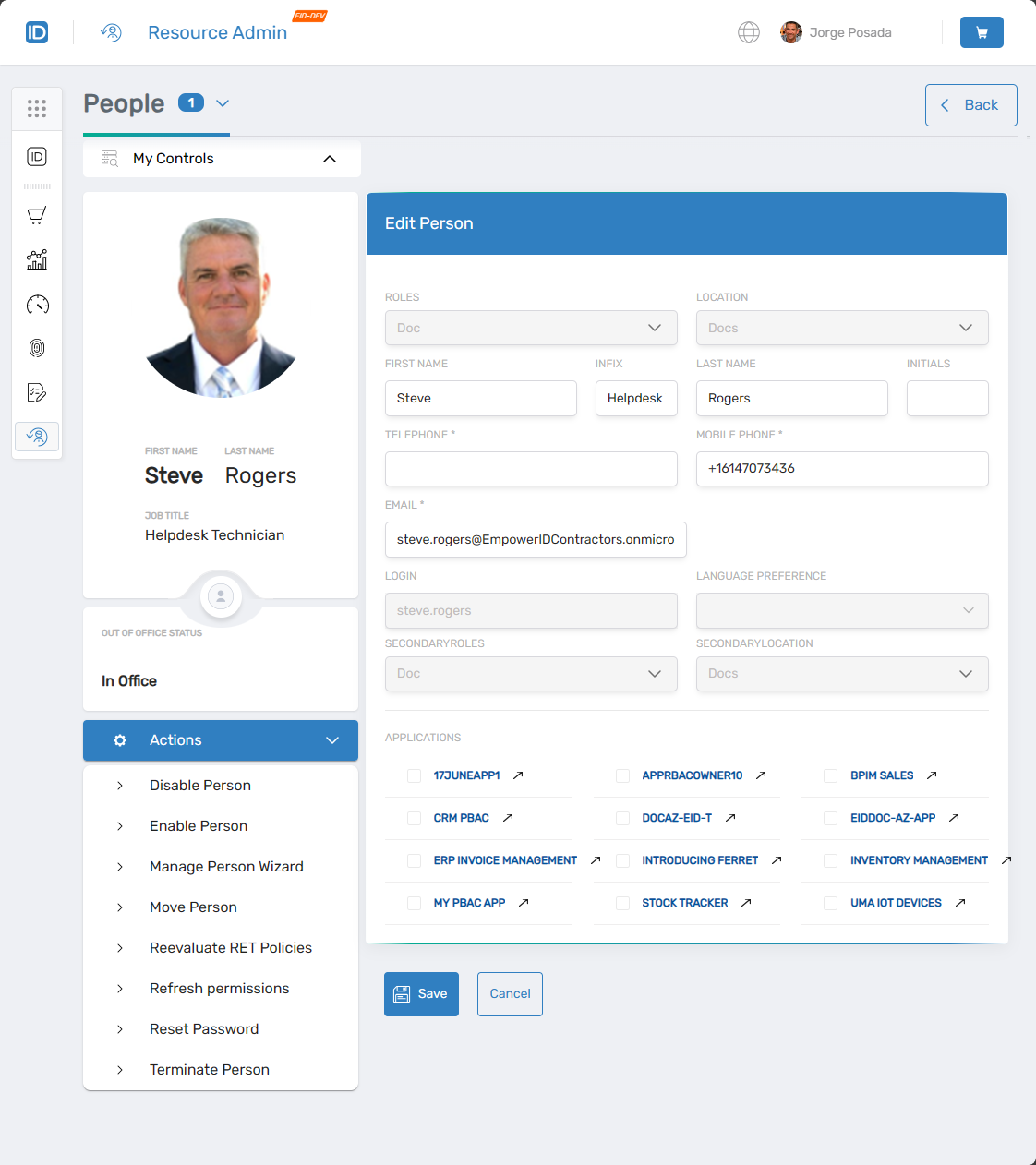 Person details page showing profile information and available tabs
Actions
Use the Actions tab when you need to initiate a workflow for the person you are viewing. The workflows shown change based on the currently selected tab, ensuring the most relevant actions are always at hand.
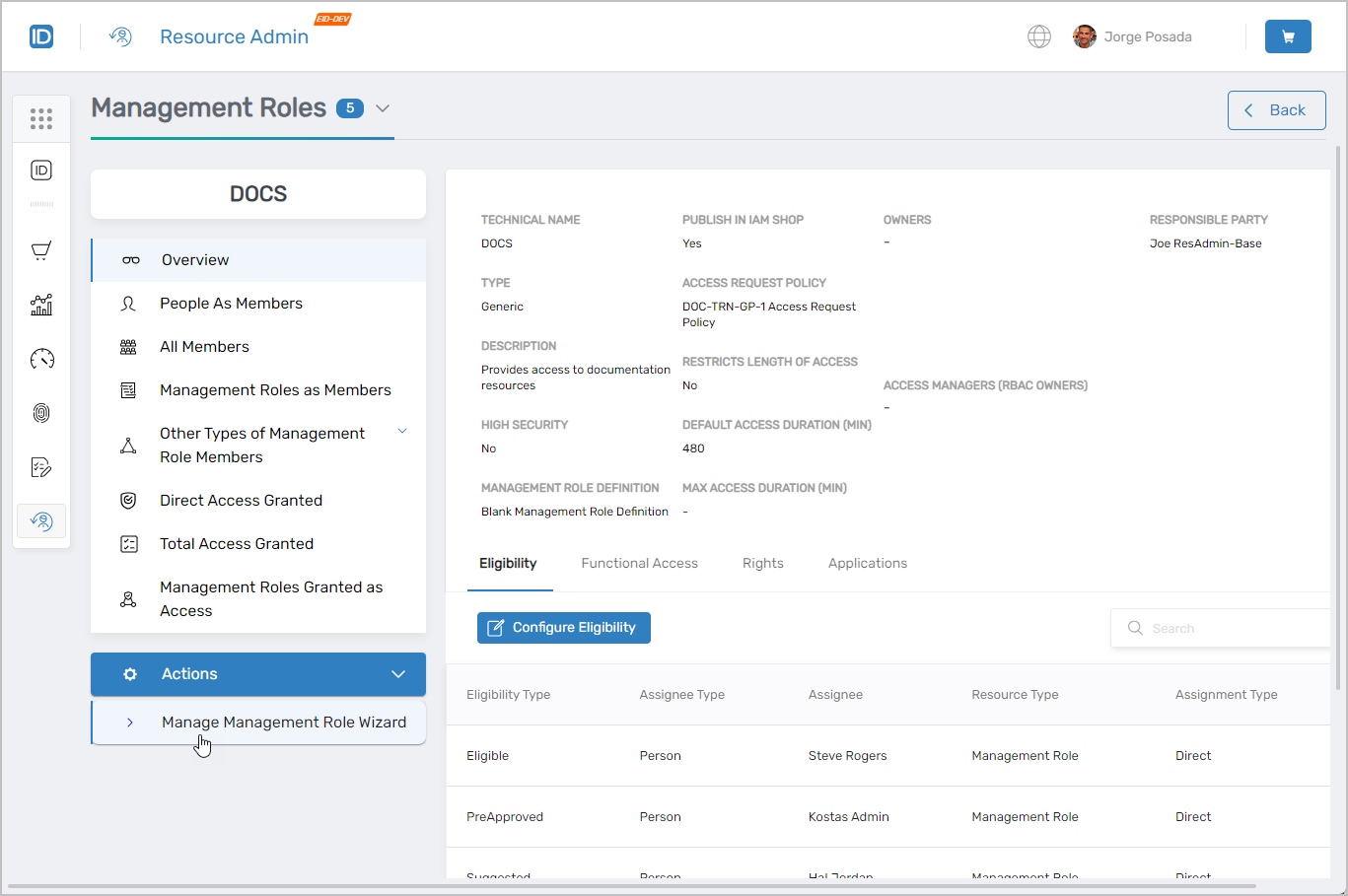 Actions tab showing context-sensitive workflows
Workflows Available from This Page
The Person Workflows page provides a centralized hub for all person management workflows, including onboarding, profile updates, and lifecycle operations.
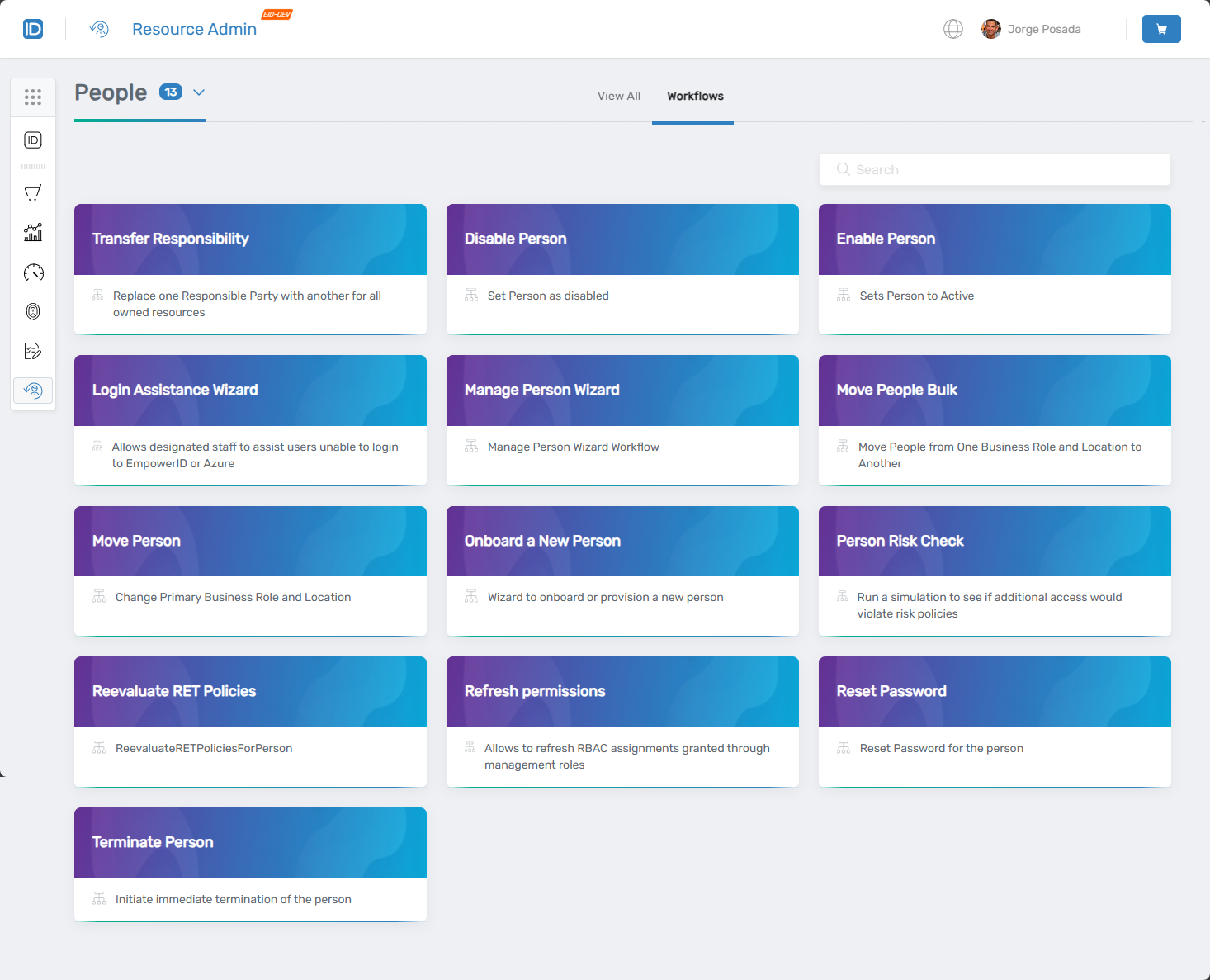 Available workflows for people management
Common Tasks
| Task | Article |
|---|---|
| Onboard a new person | Onboard People |
| Invite a person | Invite People |
| Edit person attributes | Edit Person Attributes |
| Move a person to a new Business Role and Location | Manually Move People to New Business Roles and Locations |
| Transfer responsibilities to another person | Transfer Responsibilities |
| Update a person's manager | Update a Person's Manager |
| Add a person to a group | Add People to Groups |
| Emergency termination — delete a person | Delete People (Emergency Termination) |
Related Pages
- Navigating Resource Admin – General interface overview
- Applications Page – Application management
- Groups Page – Group management
- Management Roles Page – Role-based access control administration
- Mailboxes Page – Exchange mailbox administration
- Shared Folders Page – File share access management