Management Roles Page
The Management Roles page is where authorized administrators manage the EmpowerID Management Roles they own — controlling membership, viewing access grants, and maintaining role hierarchies. Access it by selecting Management Roles from the Resource Type menu.
To access the Management Roles page you need:
UI-Res-Admin-MS-Management-Rolefor full Management Role administration, orUI-Res-Admin-MS-Management-Roles-Basefor read-only / limited accessVIS-Res-Admin-MS-API— required for all Resource Admin usersUI-Res-Admin-MS-Common— required for all Resource Admin users
See Assigning Management Roles Needed to Access Resource Admin.
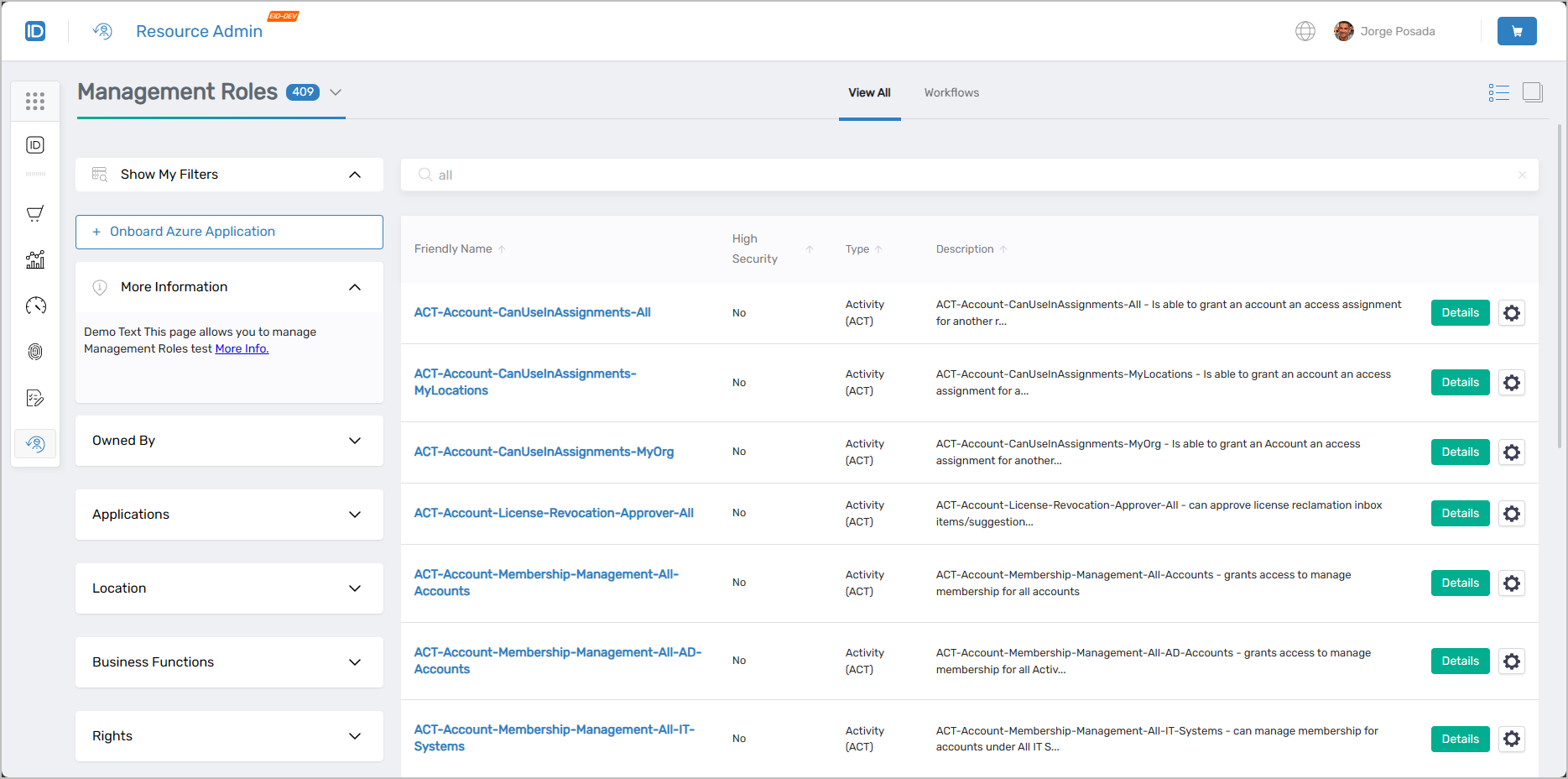 Management Roles page showing the main interface with filters and role listings
Finding Management Roles
Search matches against the following attributes simultaneously:
- Name
- FriendlyName
- DistinguishedName
- Description
Entering "account" returns all Management Roles where that string matches any of those fields.
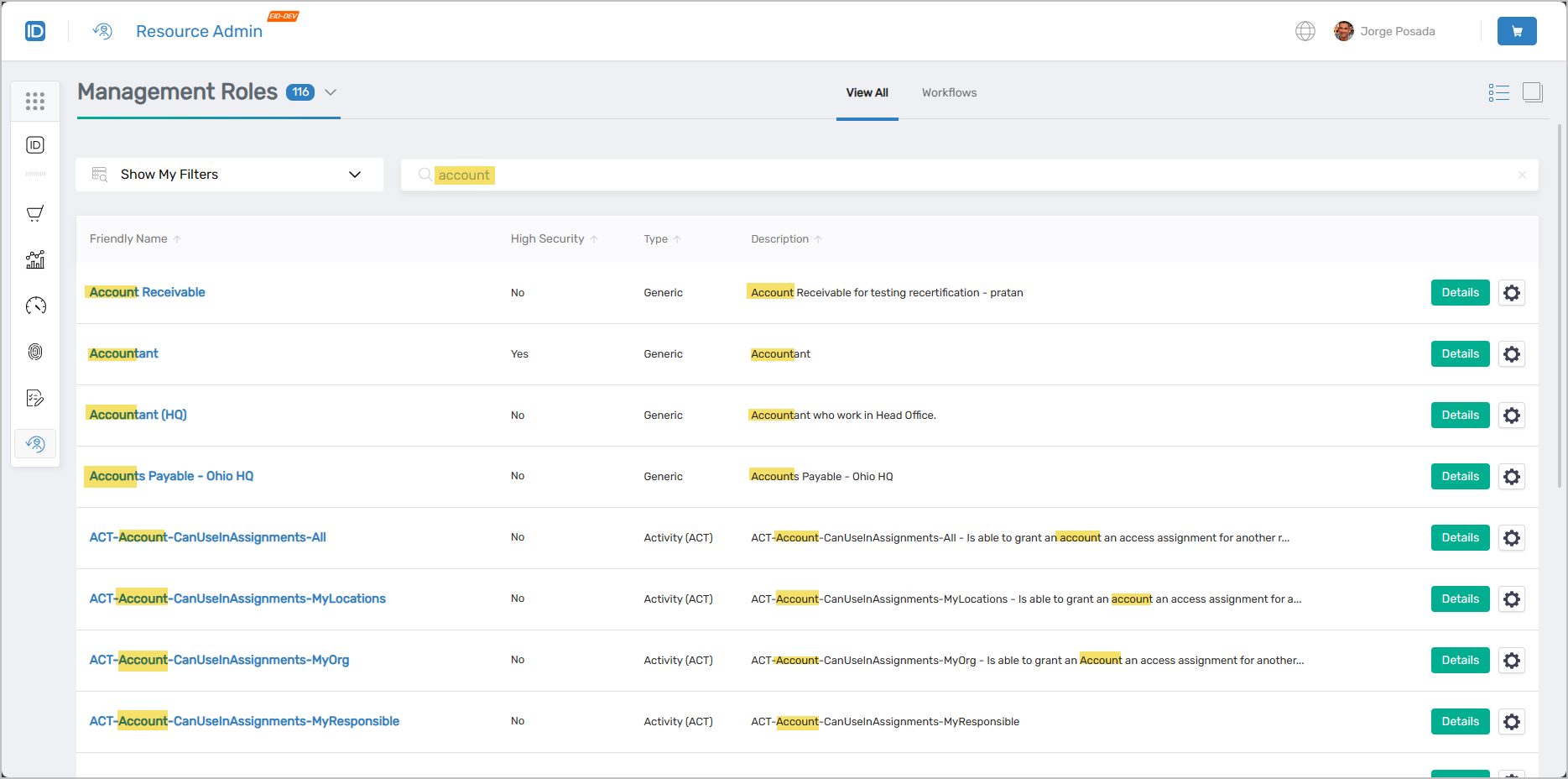 Search results showing Management Roles matching "account" across various attributes
Management Role Search Filters
Use filters alongside the search bar to narrow results.
| Filter | Description |
|---|---|
Owned By | Lists roles by ownership:
|
Applications | Filters roles to those belonging to the selected application. |
Location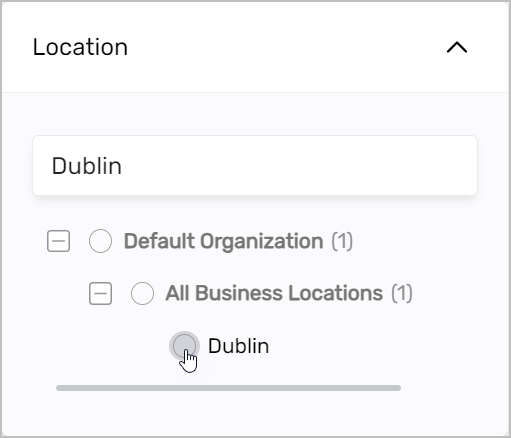 | Filters roles to those belonging to the selected location. |
Business Functions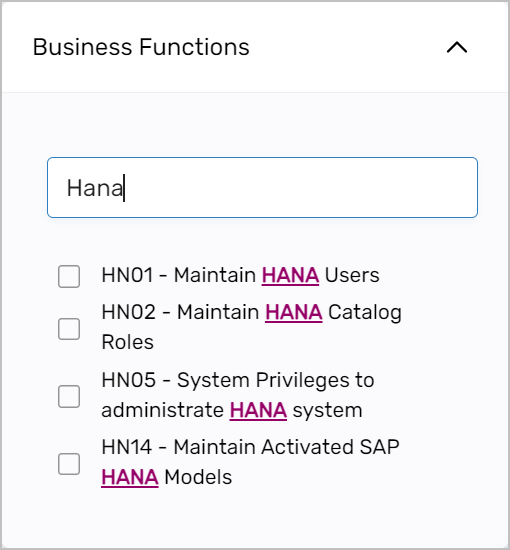 | Filters roles to those that grant the selected business function to members. |
Rights | Filters roles to those that grant the selected rights to members. |
Advanced Search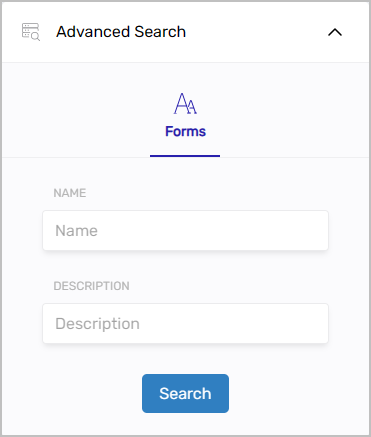 | Attribute-level filtering by Name or Description. |
The Owned By filter is visible only to users with the appropriate role assignment.
Working with Management Roles
Select the Details link on a Management Role record to open the Details view with tabs for managing its membership, access assignments, and related roles. Select the gear icon to launch the Manage Management Role Wizard workflow.
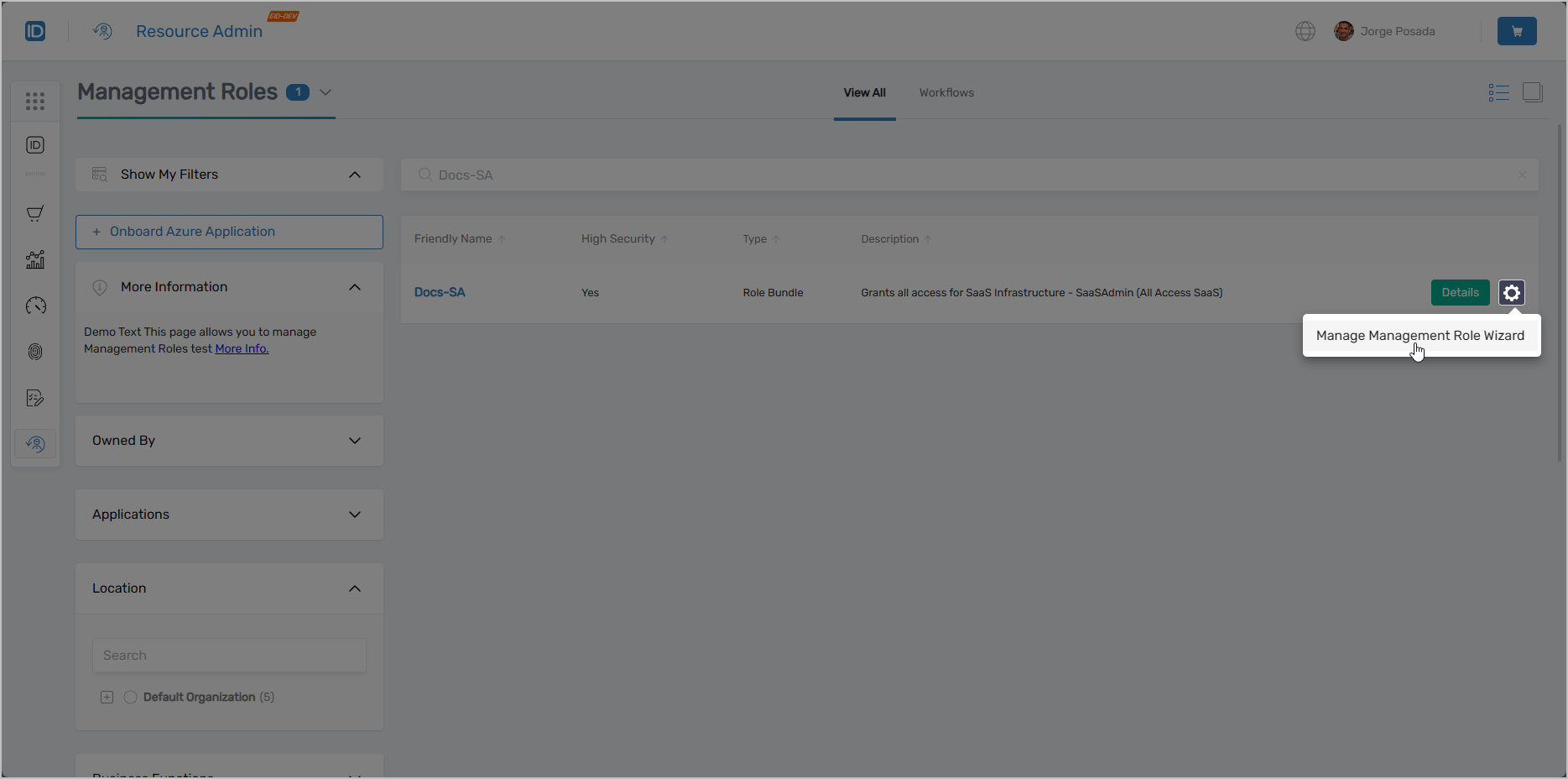 Management Role record showing Details link and contextual workflow button
Selecting Details opens the Overview page for the role, where you navigate between tabs to manage its members, access grants, and nested role relationships.
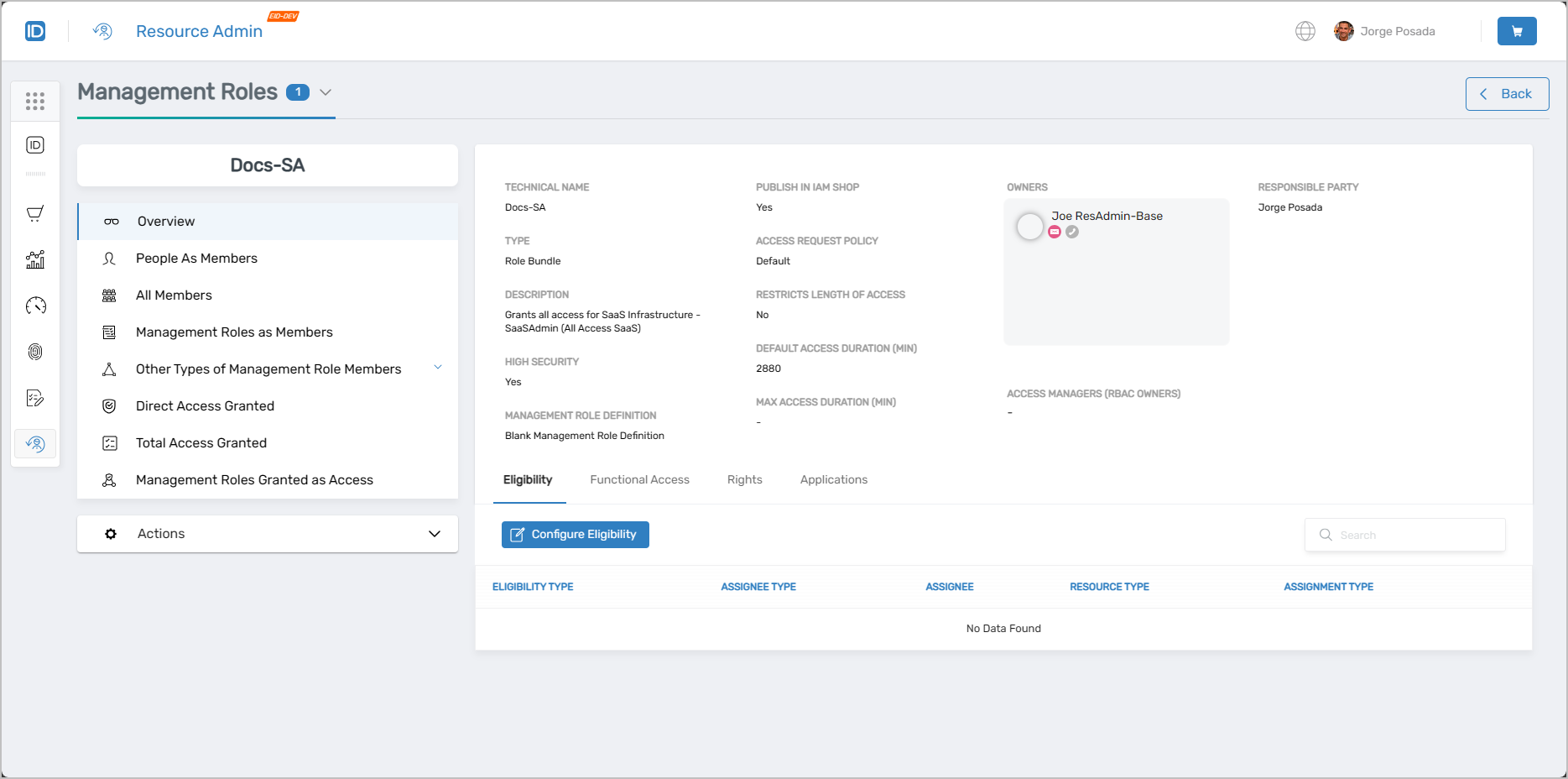 Management Role overview page with available tabs
People as Members
Use this tab when you need to add a specific person as a direct member of this role, review who holds direct membership, or remove a direct member. Direct membership differs from RBAC-inherited membership, where a person holds the role through a group or other indirect path.
- View, add, and remove direct members
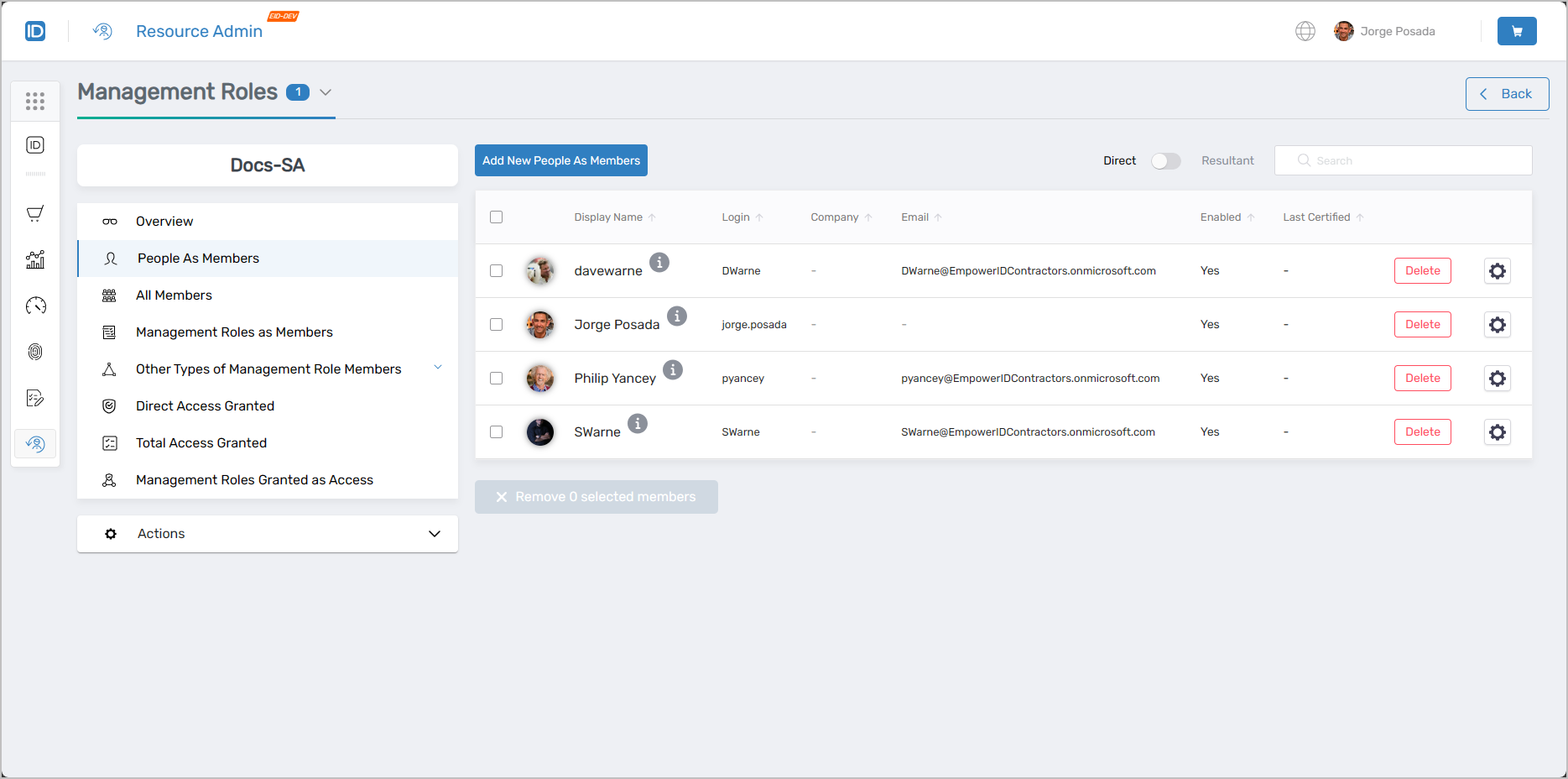 People as Members tab showing direct membership management
All Members
Use this tab when you need a complete picture of everyone who currently holds this Management Role — both direct members and those who inherited membership through groups, Set Groups, Business Roles and Locations, or other nested Management Roles.
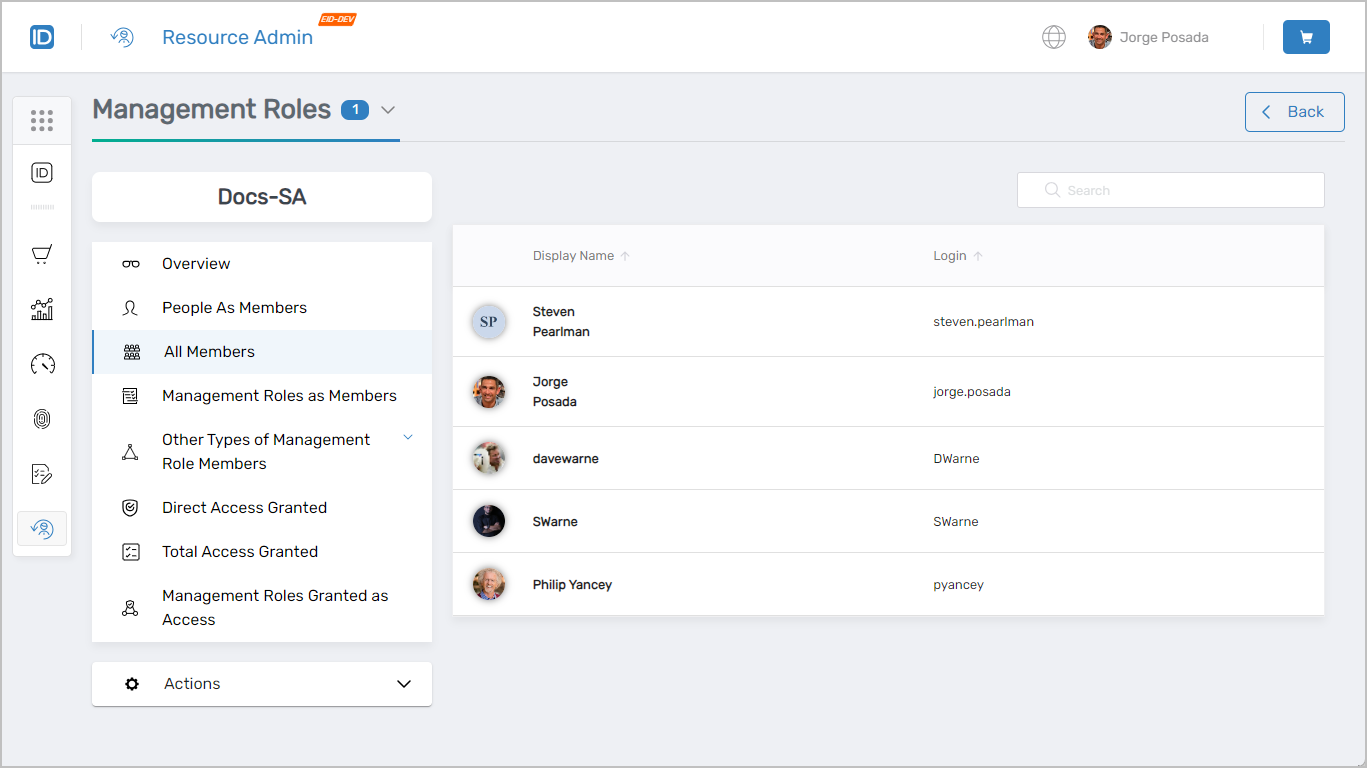 All Members tab showing both direct and indirect membership
Management Roles as Members
Use this tab when you need to nest another Management Role inside this one (so all of its members also become members of this role), review which roles are currently nested, or remove a nested role.
- View, add, and remove nested Management Role members
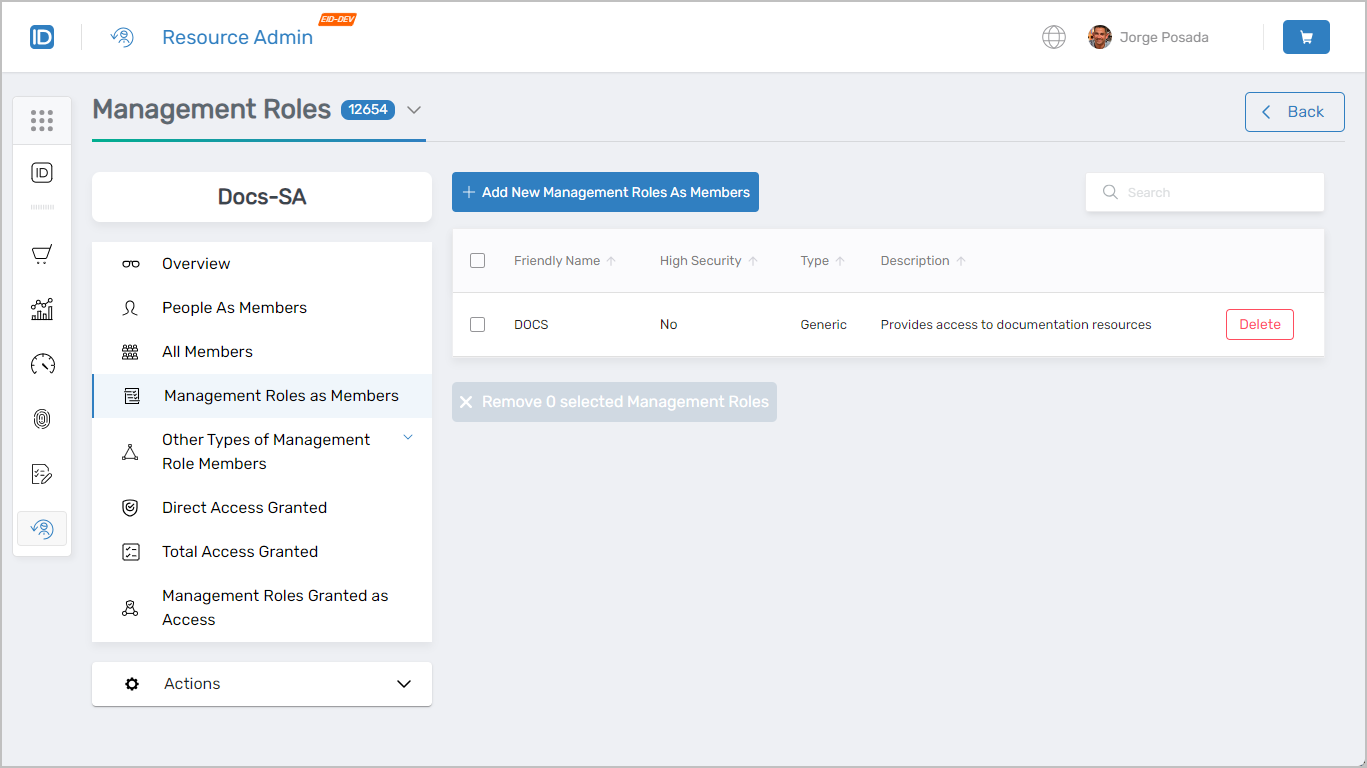 Management Roles as Members tab showing nested role management
Other Types of Management Role Members
Use this tab when you need to add a Group, Set Group, or Business Role and Location combination as a member of this role — making all of its members indirect members of the role.
- View, add, and remove Group members
- View, add, and remove Set Group members
- View, add, and remove Business Role and Location combination members
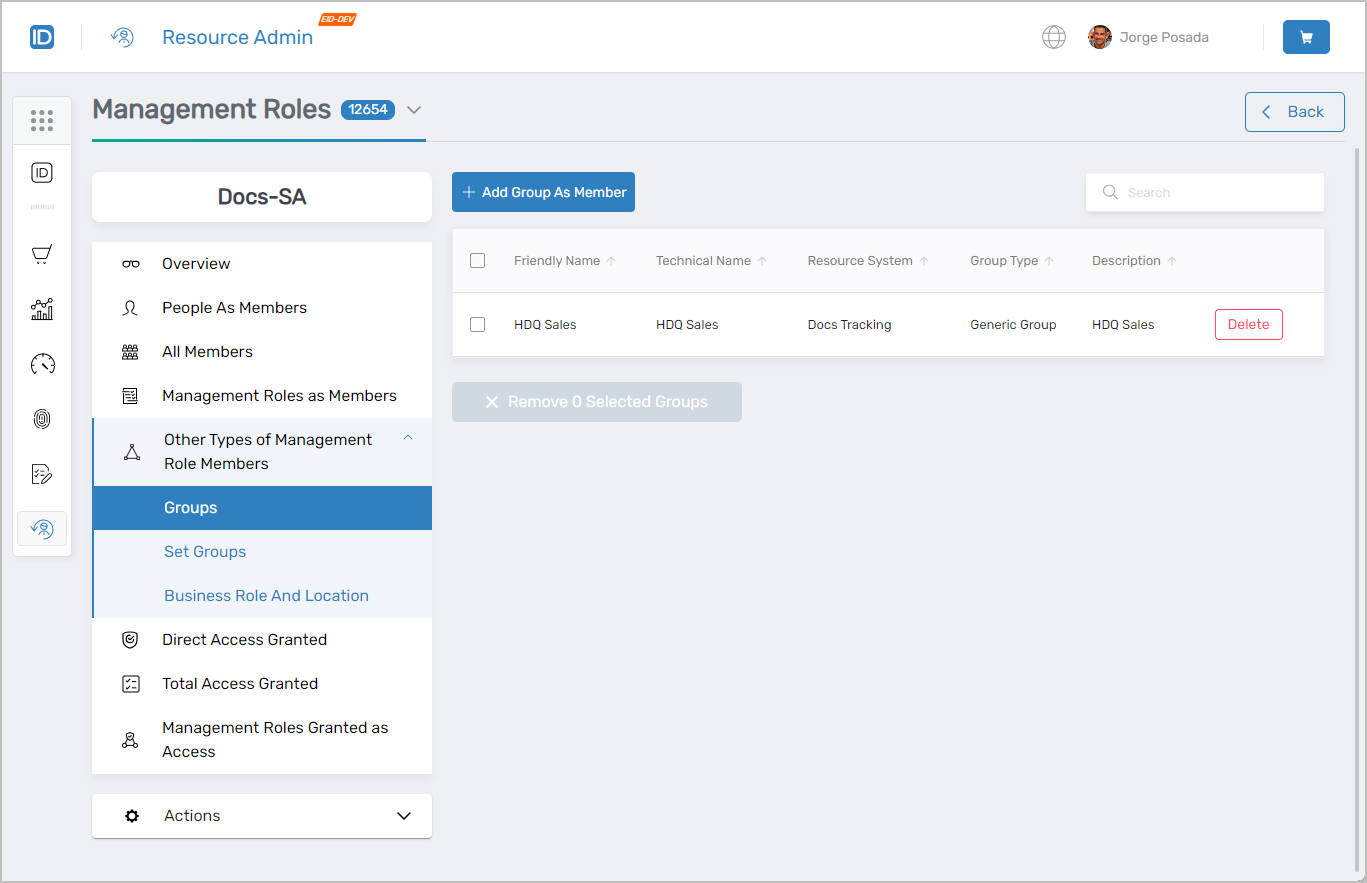 Other Types of Management Role Members tab showing Groups, Set Groups, and Business Role/Location combinations
Direct Access Granted
Use this tab when you need to see exactly which access items are explicitly assigned to this role, add a new direct access assignment, or remove an existing one.
- View, add, and remove direct access assignments
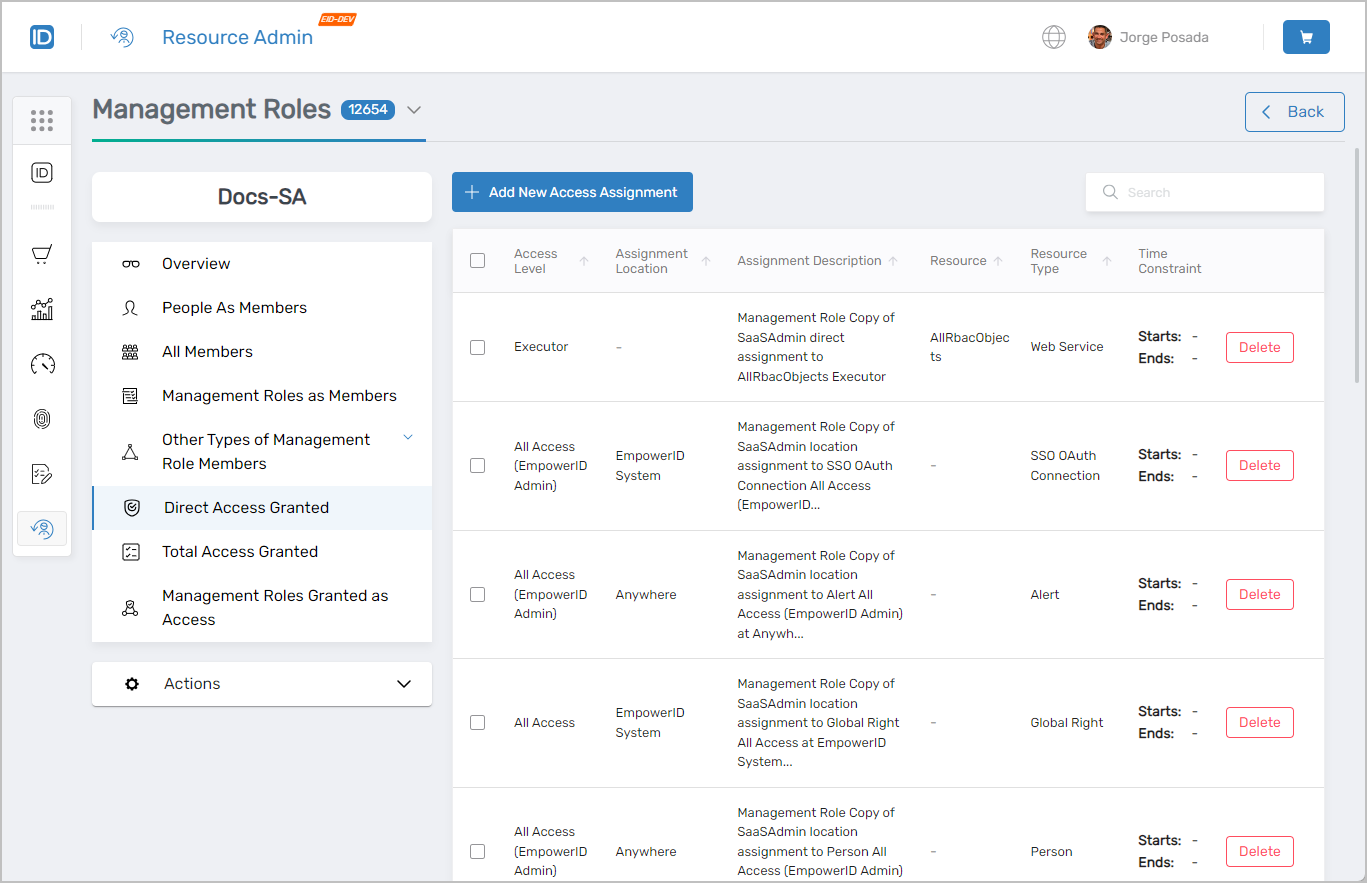 Direct Access Granted tab showing explicit access assignments
Total Access Granted
Use this tab when you need a complete picture of what this role grants — including access inherited through groups, Set Groups, Business Role and Location combinations, and nested Management Roles — not just direct assignments.
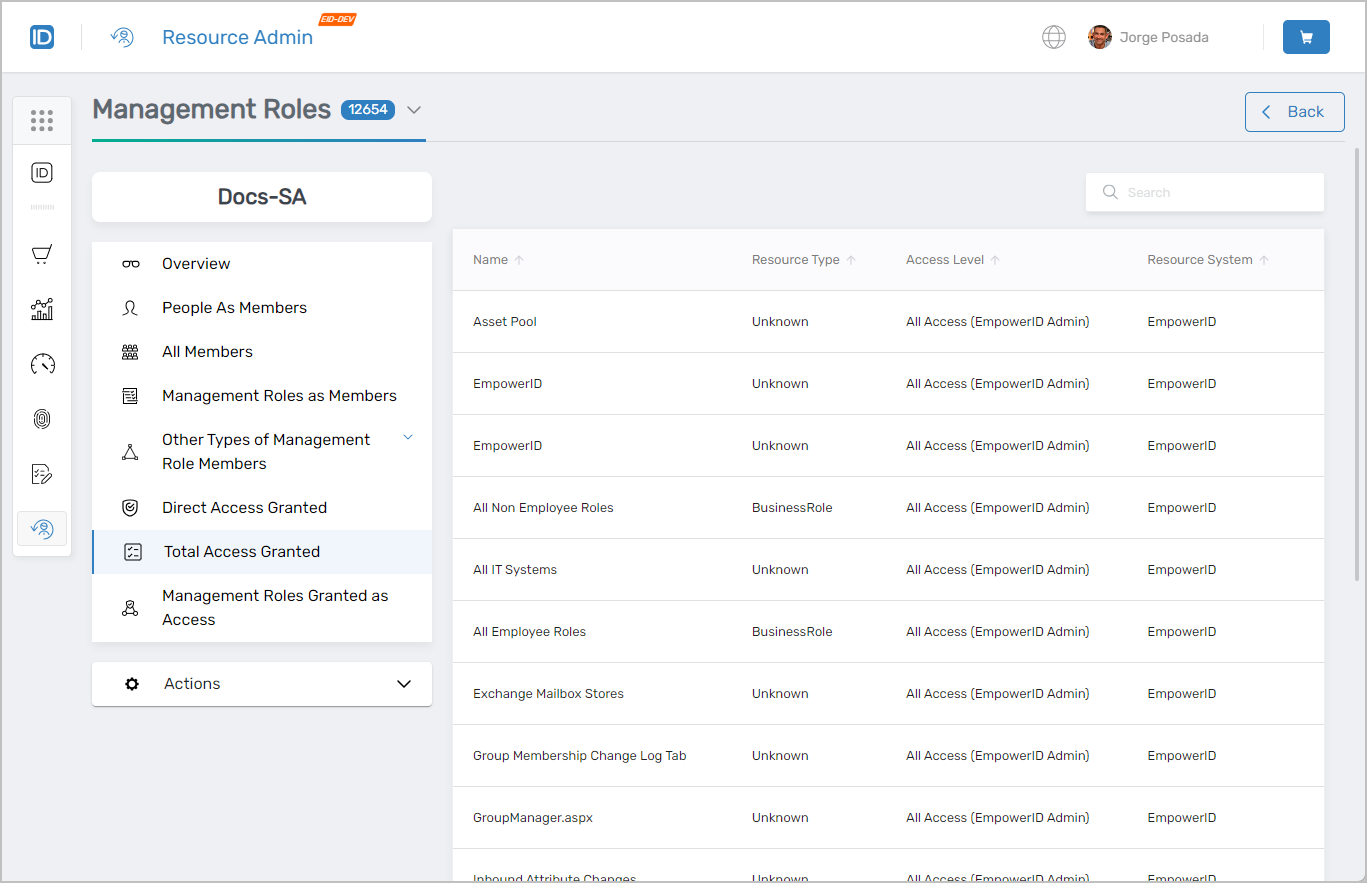 Total Access Granted tab showing cumulative access privileges
Management Roles Granted as Access
Use this tab when you need to see which Management Roles have been granted access to the current role (and therefore inherit all of its access privileges), or to add or remove those grants.
- View, add, and remove Management Roles granted access
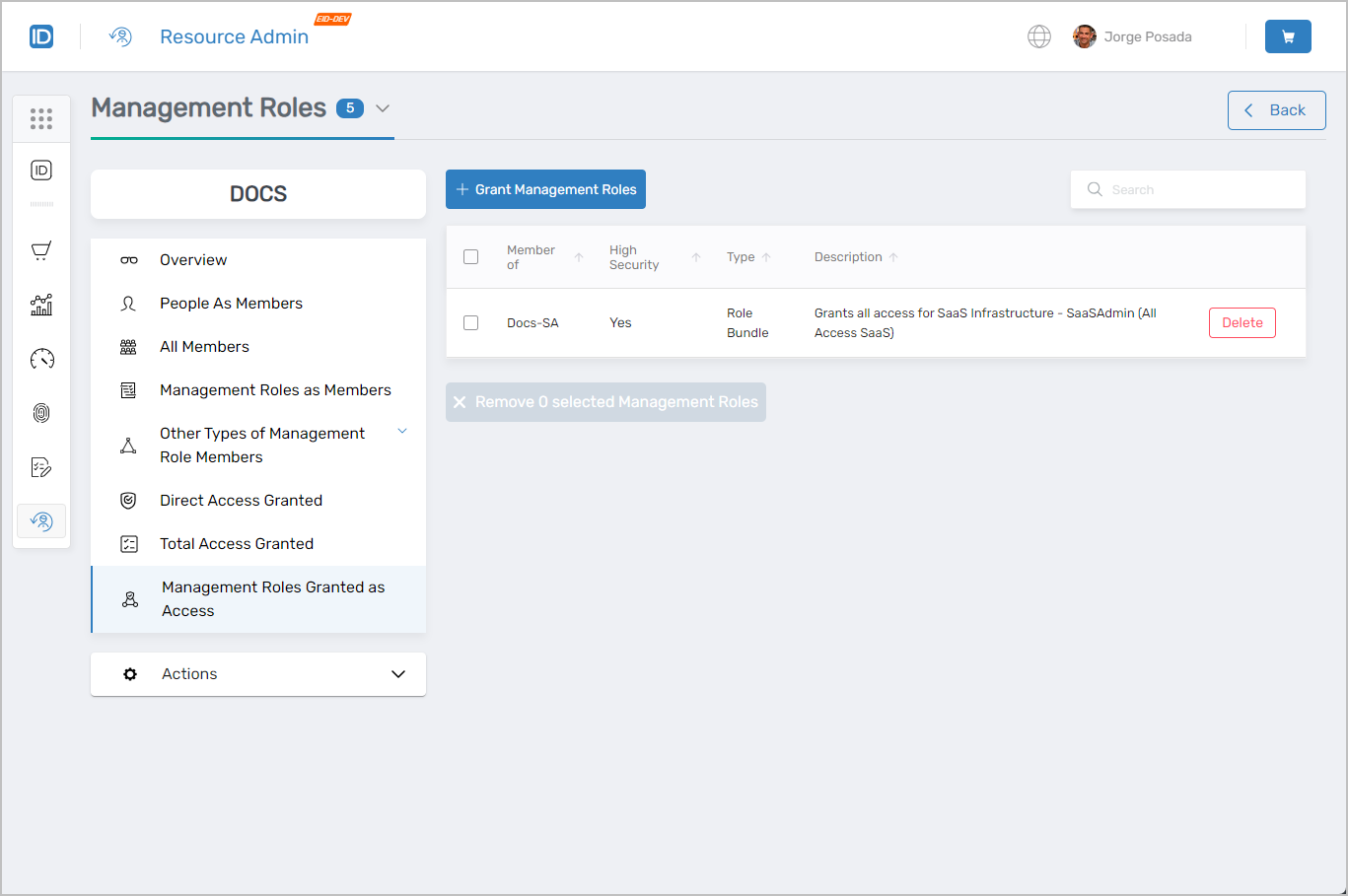 Management Roles Granted as Access tab showing inherited access relationships
Actions
The Actions tab surfaces context-sensitive workflows based on the currently selected tab. On the Overview tab it launches the Manage Management Role Wizard.
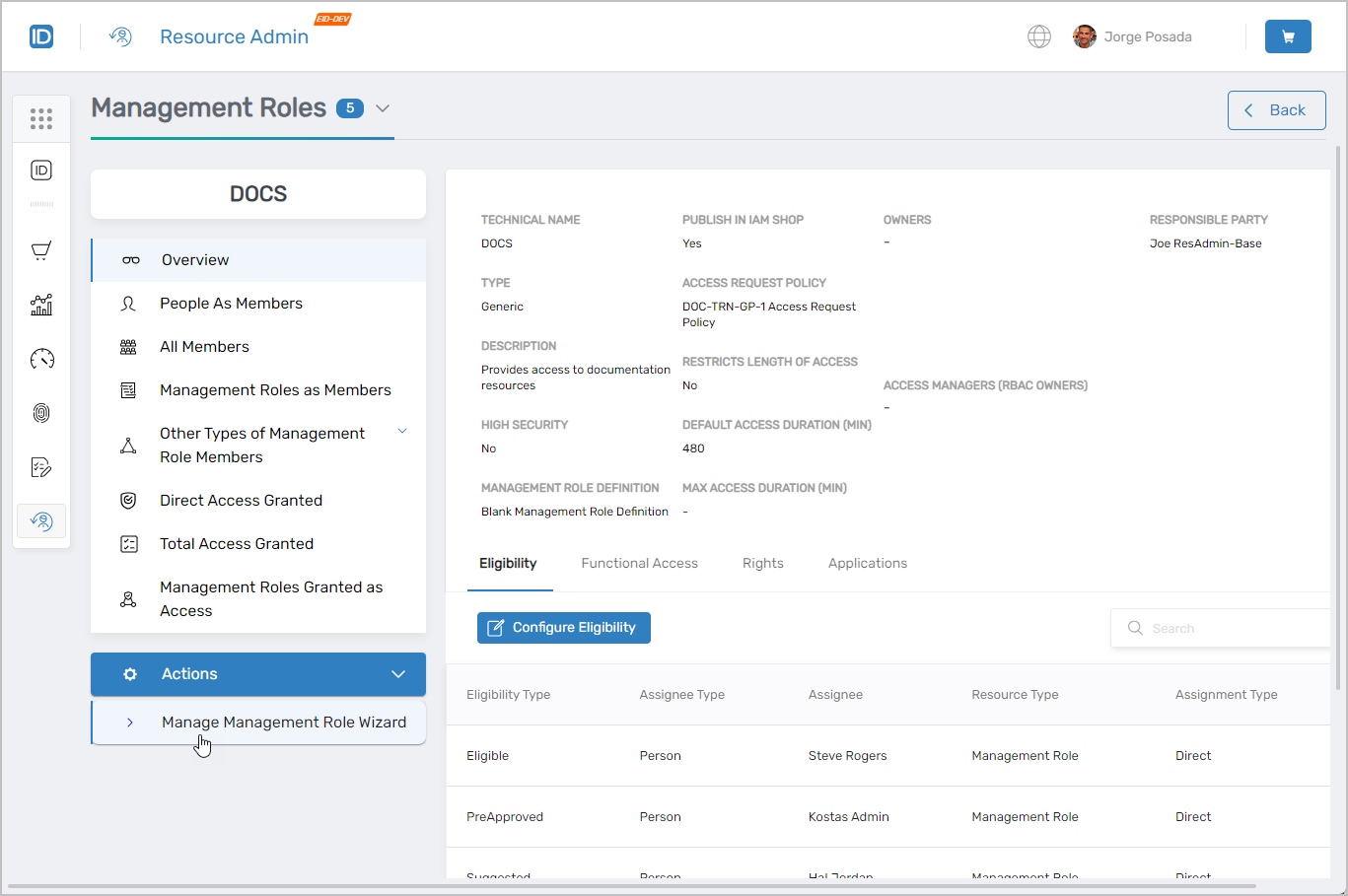 Actions tab showing context-sensitive workflows
Workflows Available from This Page
The Management Roles Workflows page provides a centralized hub for all Management Role management workflows.
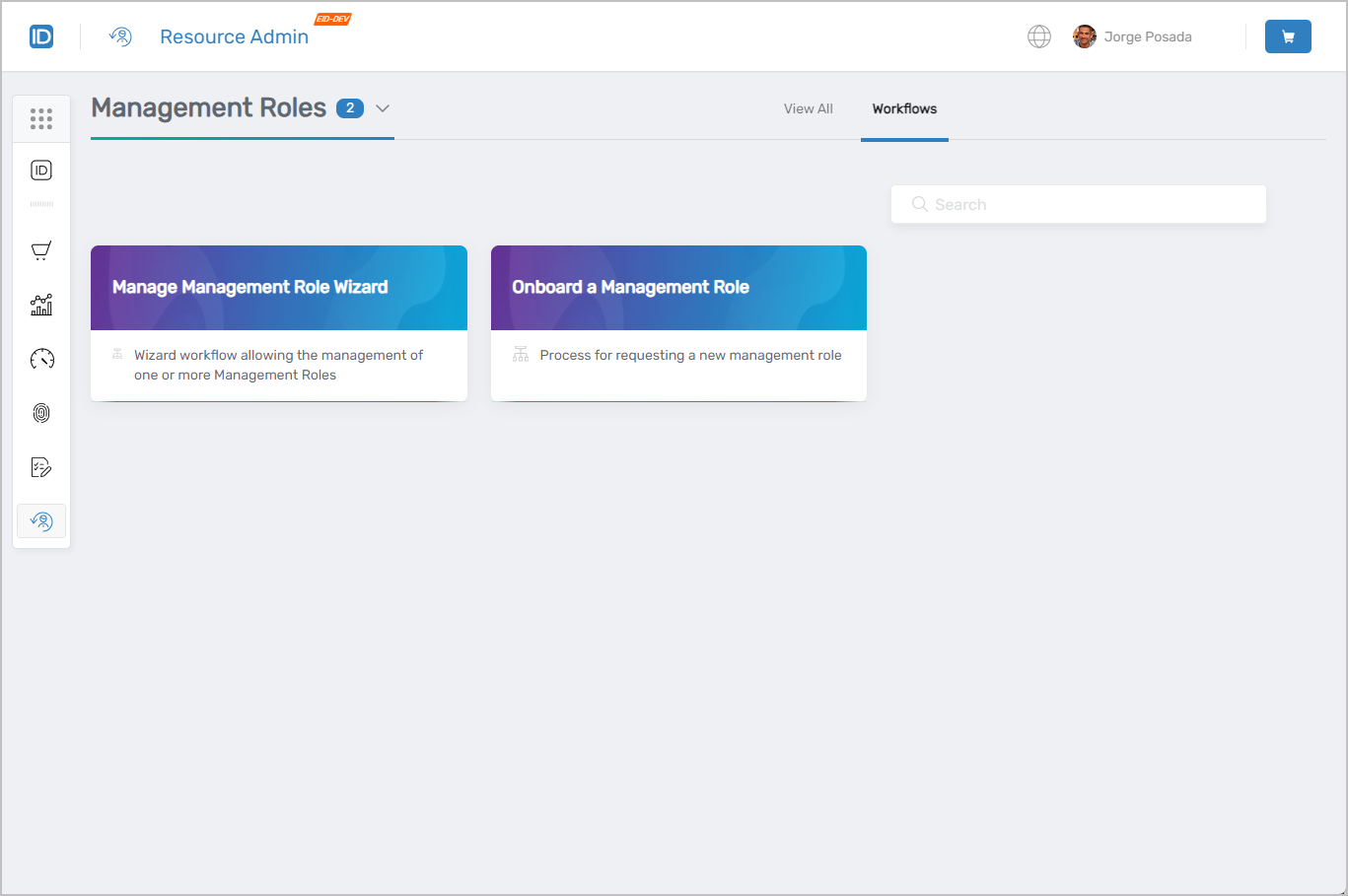 Available workflows for Management Role management
Common Tasks
| Task | Article |
|---|---|
| Assign Management Roles to grant Resource Admin access | Assigning Roles to Access Resource Admin |
| Configure access to groups using Management Roles | Access to Groups |
Related Pages
- Navigating Resource Admin – General interface overview
- Applications Page – Application management
- Groups Page – Group management
- People Page – User onboarding and identity management
- Mailboxes Page – Exchange mailbox administration
- Shared Folders Page – File share access management