Mailboxes Page
The Mailboxes page is where delegated mailbox administrators manage Microsoft 365 and Exchange mailboxes — adjusting settings, controlling access, and maintaining configurations — without needing direct access to the Exchange admin center. Access it by selecting Mailboxes from the Resource Type menu.
To access the Mailboxes page you need:
UI-Res-Admin-MS-Mailboxesfor full mailbox management, orUI-Res-Admin-MS-Mailboxes-Basefor read-only / limited accessVIS-Res-Admin-MS-API— required for all Resource Admin usersUI-Res-Admin-MS-Common— required for all Resource Admin users
See Assigning Management Roles Needed to Access Resource Admin.
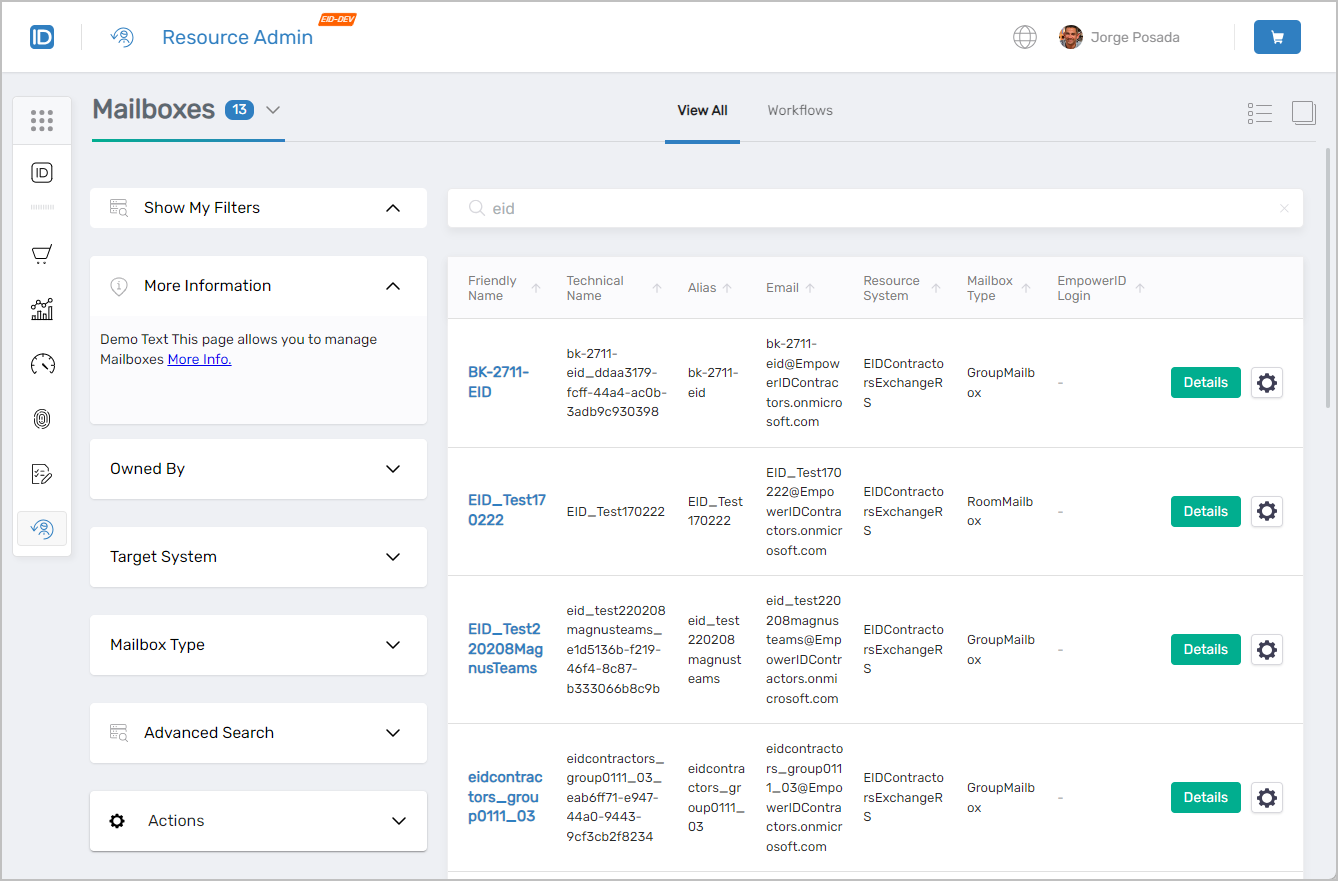 Mailboxes page showing the main interface with filters and mailbox listings
Finding Mailboxes
Search matches against the following attributes simultaneously:
- Name
- FriendlyName
- Alias
- FirstName
- LogonName
- Path
- NetBiosName
- FQN
Entering "bk" returns every mailbox where that string matches any of those attributes.
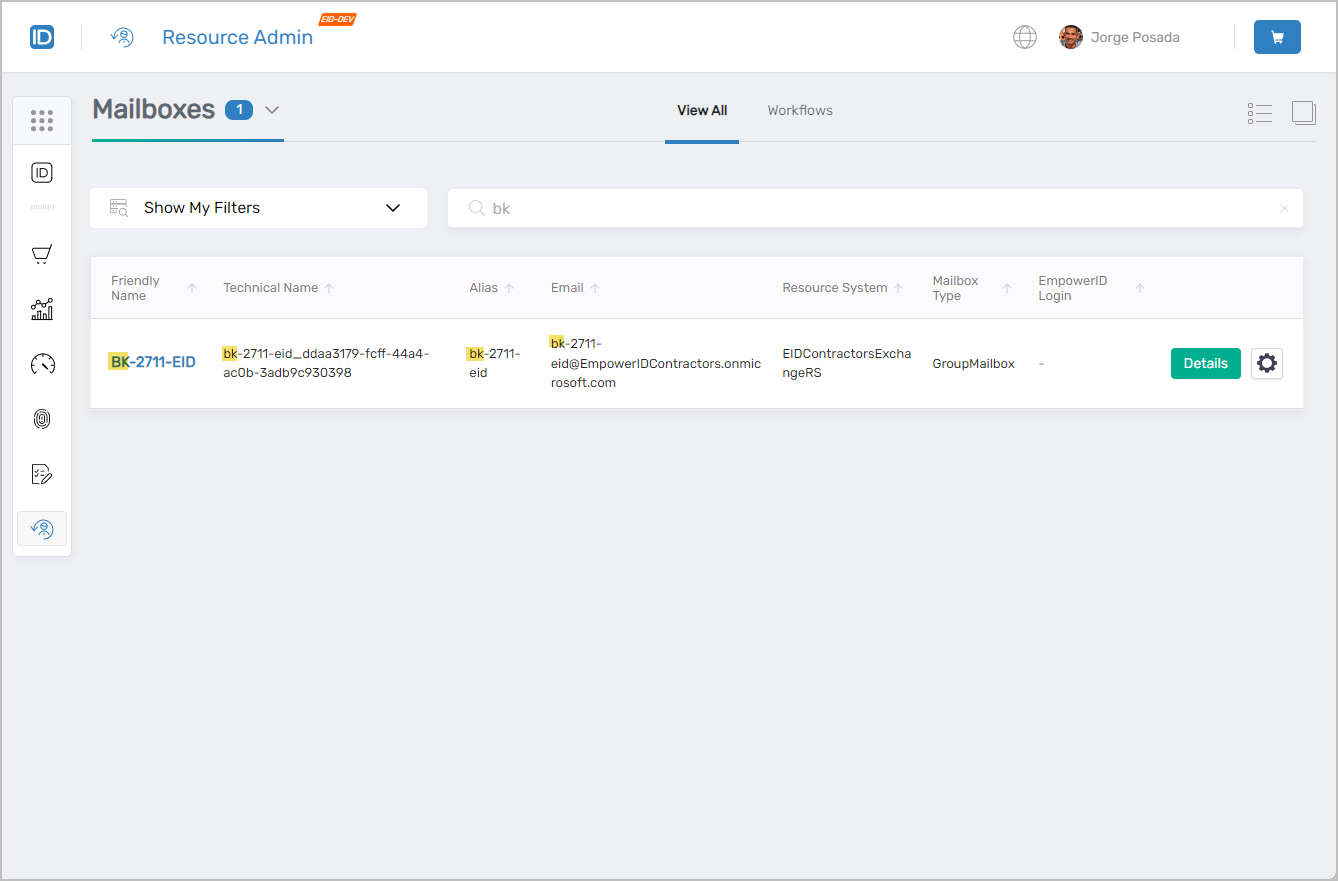 Search results showing mailboxes matching the search criteria
Mailbox Search Filters
Use filters to narrow a large set of results. Filters can be combined with search terms for granular results.
| Filter | Description |
|---|---|
Owned By | Lists mailboxes by ownership:
|
Target System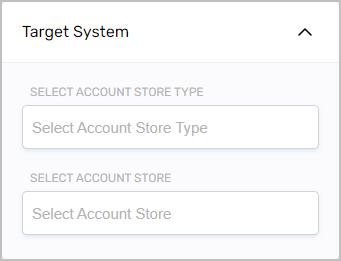 | Filters mailboxes to a specific Account Store Type and/or Account Store. |
Mailbox Type | Filters to mailboxes of the selected type:
|
Advanced Search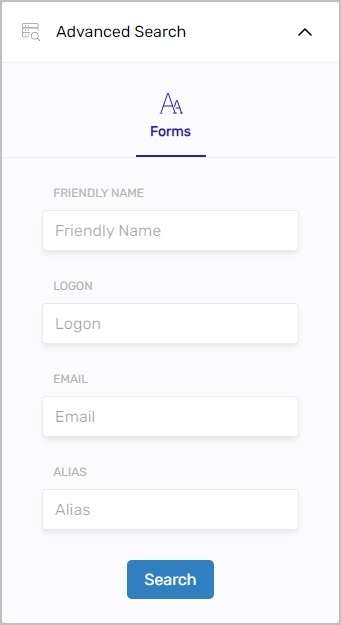 | Attribute-level filtering by FriendlyName, Logon, Email, or Alias. |
The Owned By filter is visible only to users with the appropriate role assignment.
Working with Mailboxes
Select the Details link on a mailbox record to open the Details view. Select the gear icon to launch available mailbox workflows such as the Manage Mailbox Wizard or Delete Mailbox.
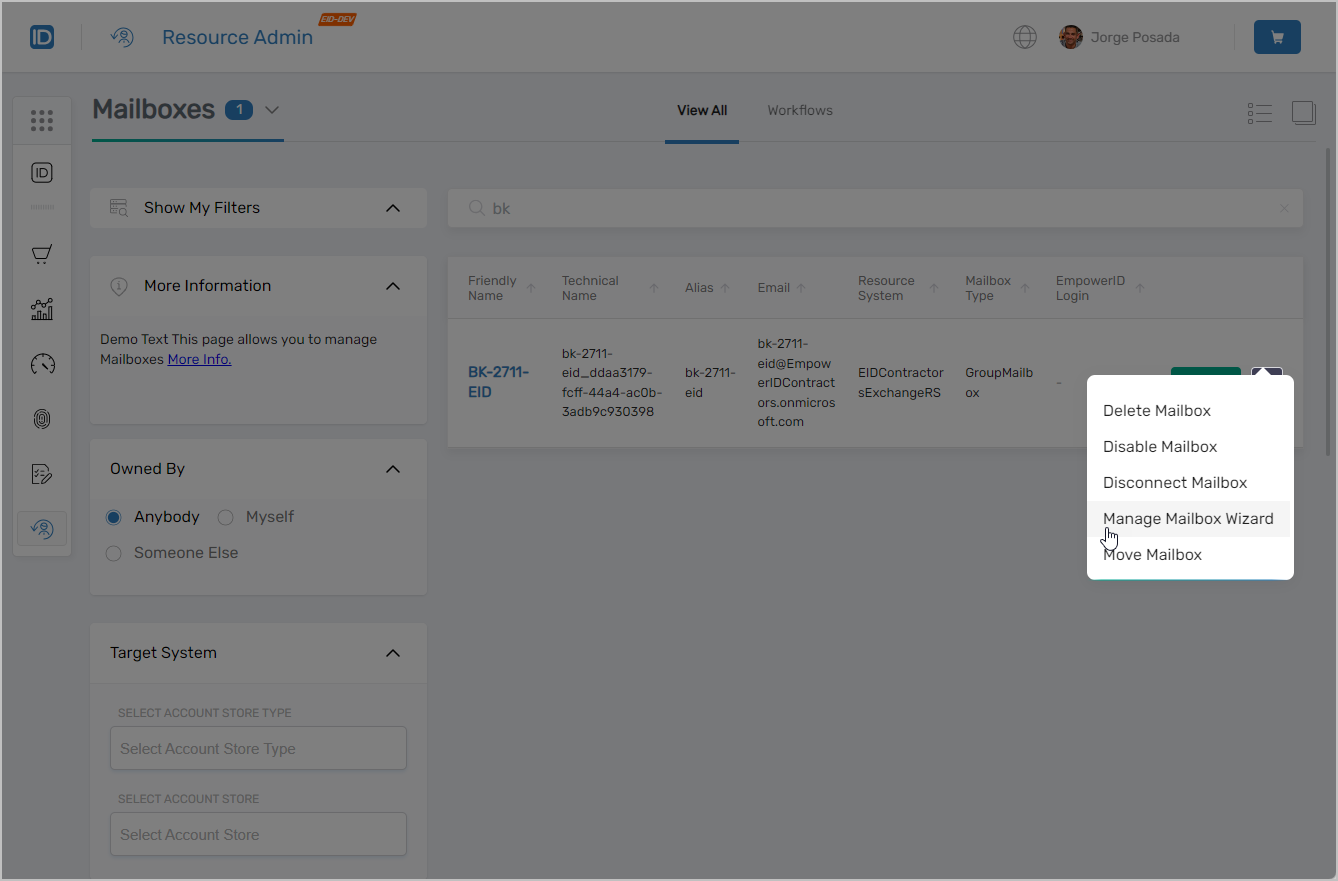 Mailbox record showing Details link and contextual workflow button
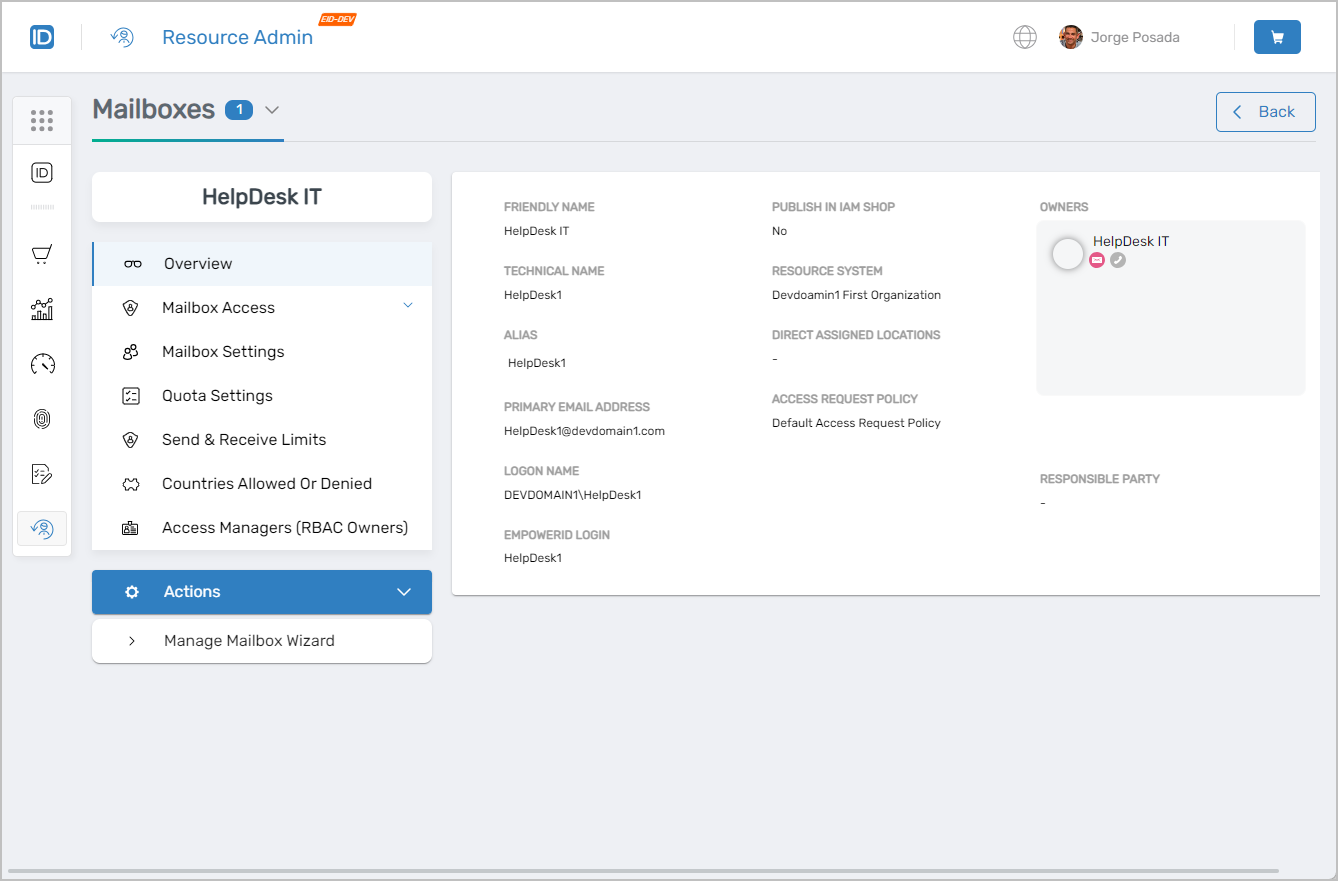 Mailbox overview page with available tabs
Mailbox Access
Use this tab when you need to see what permissions exist on the mailbox or assign an IAM Shop Permission Level to a user.
- View inventoried permissions for the mailbox
- Manage IAM Shop Permission Level assignments for users
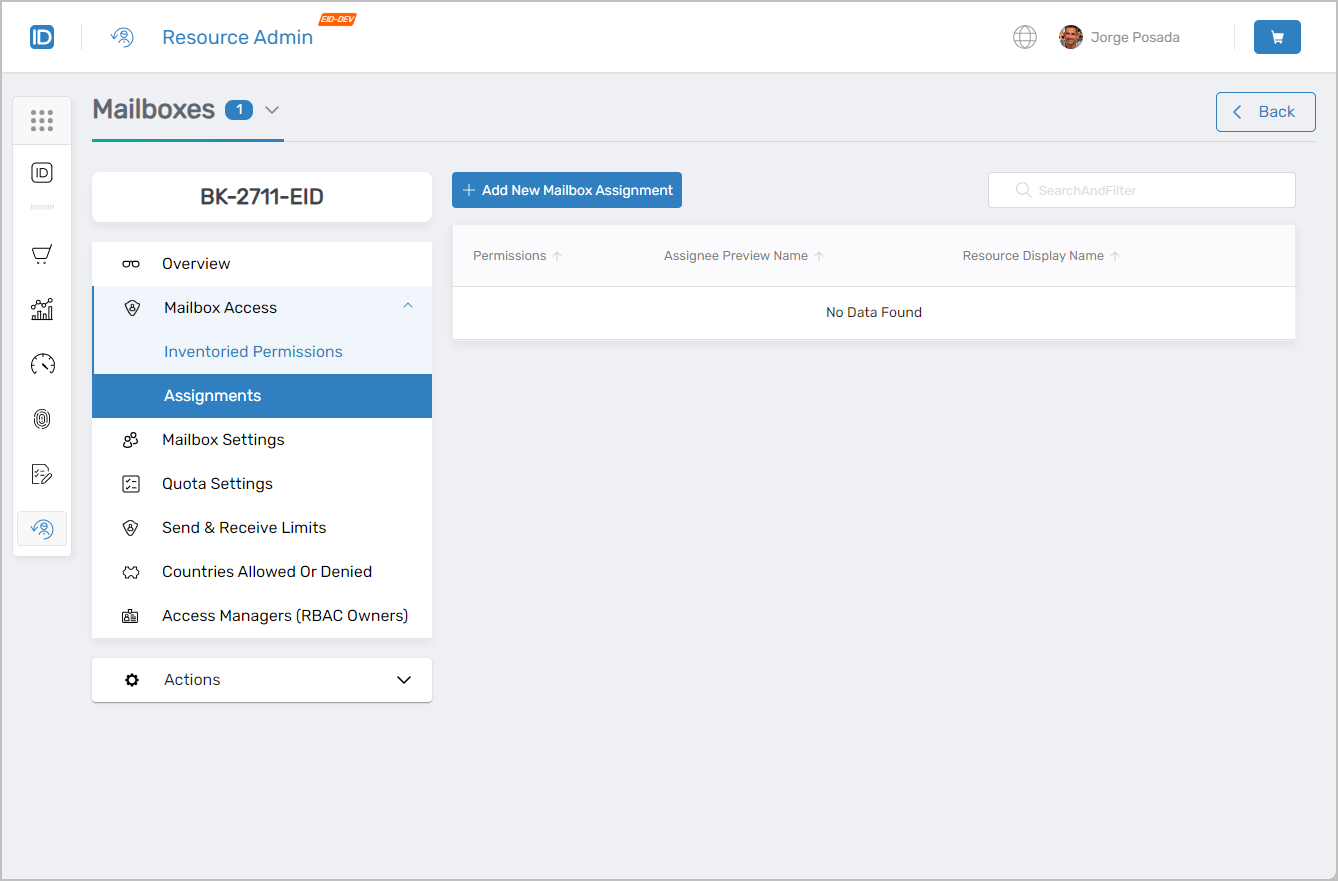 Mailbox Access tab showing permission management interface
Mailbox Settings
Use this tab when you need to review the mailbox's current configuration. This tab is read-only. To modify settings, launch the Manage Mailbox Wizard from the Actions tab.
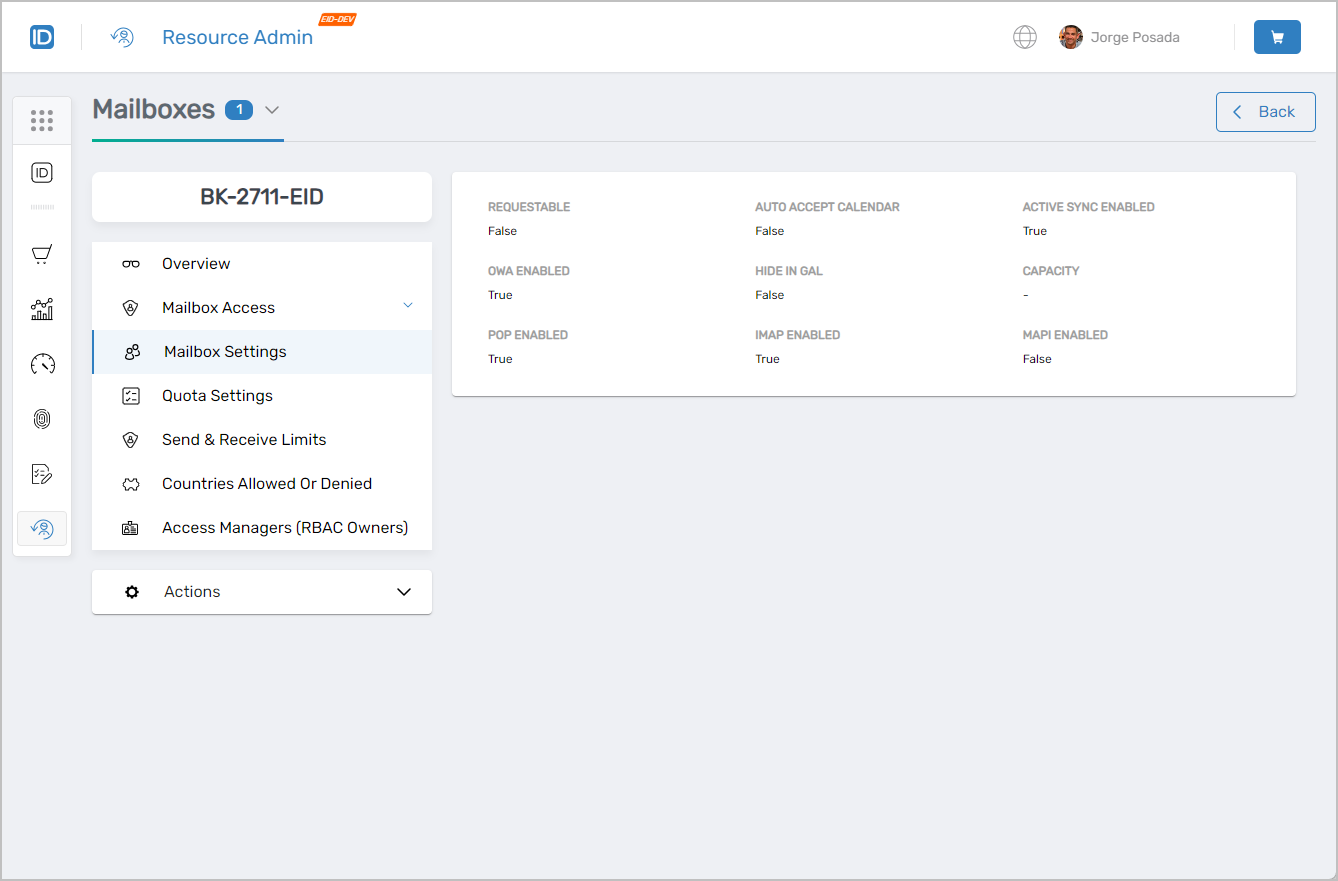 Mailbox Settings tab showing current configuration
Quota Settings
Use this tab when you need to review the mailbox's current storage quota parameters. This tab is read-only. To change quotas, launch the Manage Mailbox Wizard from the Actions tab.
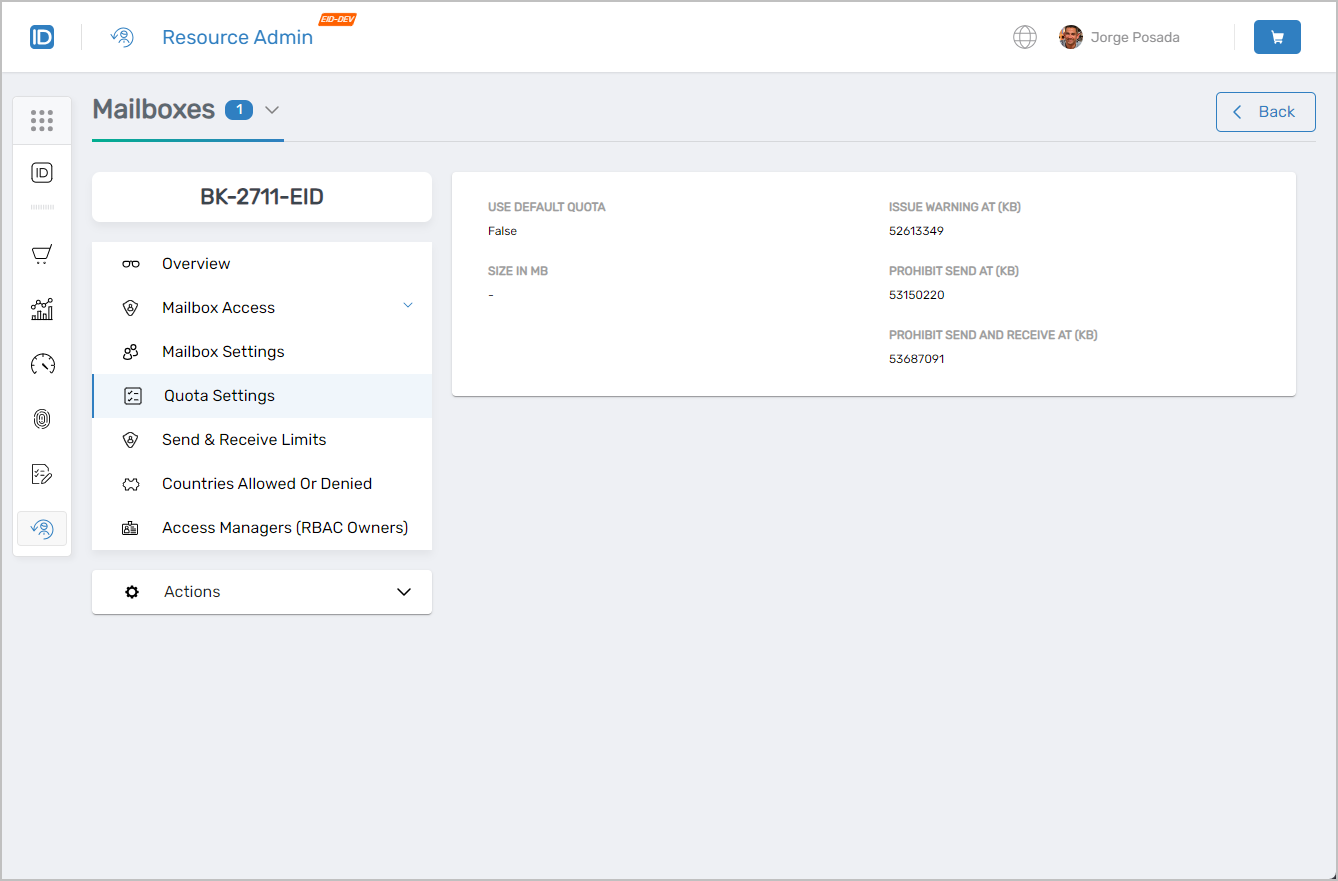 Quota Settings tab showing mailbox quota parameters
Send and Receive Limits
Use this tab when you need to review the current message size limits for the mailbox. This tab is read-only. To change limits, launch the Manage Mailbox Wizard from the Actions tab.
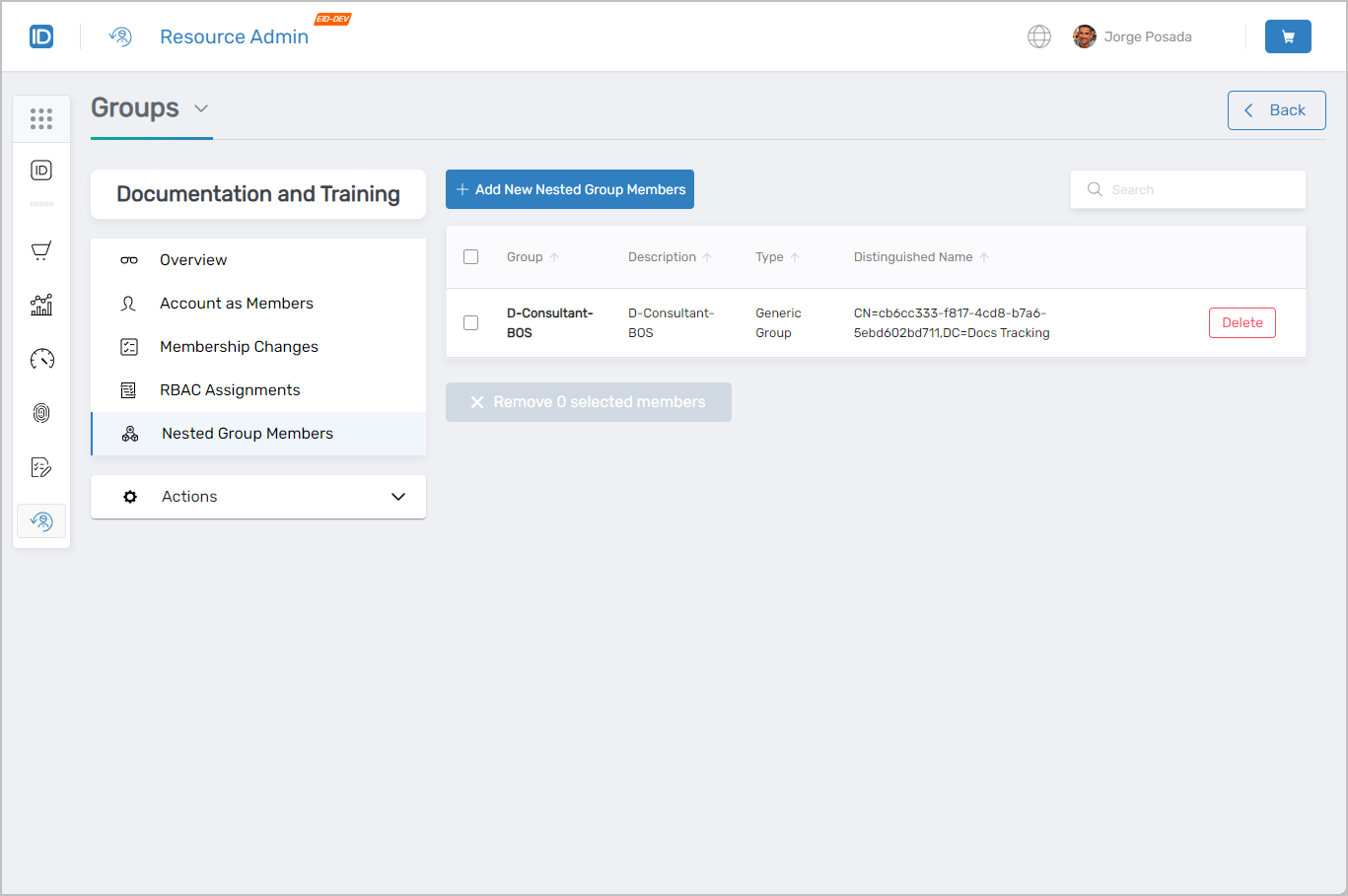 Send and Receive Limits tab showing message size restrictions
Countries Allowed or Denied
Use this tab when you need to configure which countries the mailbox can send to or receive email from, add a new geographic restriction, or remove an existing one.
- View, add, and remove country-level allow/deny settings
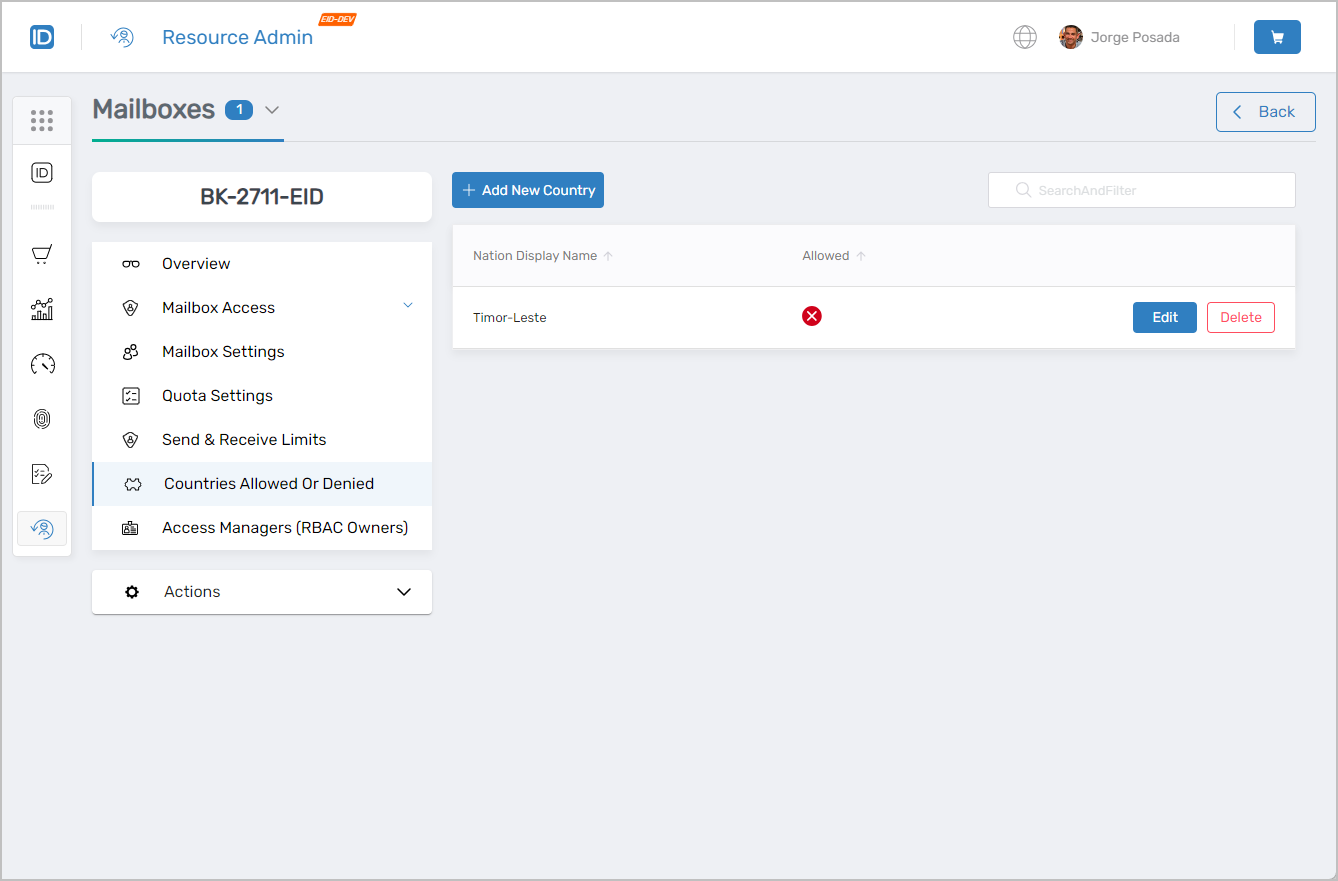 Countries Allowed or Denied tab showing geographic email restrictions management
Access Managers (RBAC Owners)
Use this tab when you need to assign a person responsibility for managing access to this mailbox, review who currently holds that responsibility, or remove an access manager.
- View, add, and remove access managers
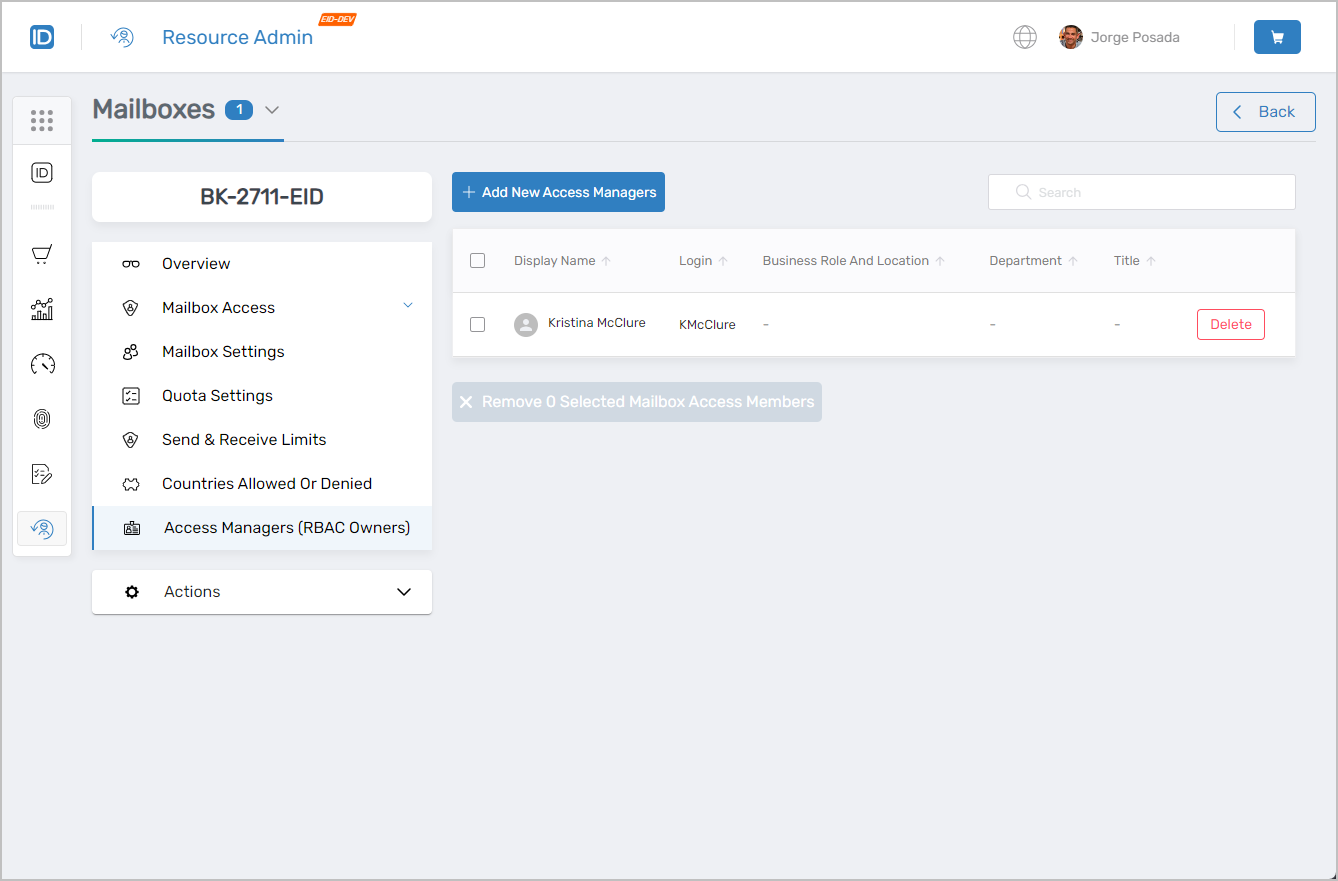 Access Managers (RBAC Owners) tab showing mailbox access management
Workflows Available from This Page
Use the gear icon on individual mailbox records or the Actions tab within the Details view to initiate mailbox-specific workflows such as the Manage Mailbox Wizard or Delete Mailbox.
Common Tasks
| Task | Article |
|---|---|
| Onboard a mailbox | Onboarding Mailboxes |
| Edit mailbox names and features | Edit Mailbox Names and Features |
| Edit mailbox quota and restrictions | Edit Mailbox Quota and Restrictions |
| Edit mailbox email forwarding | Edit Mailbox Email Forwarding |
| Edit IAM Shop settings for a mailbox | Edit IAM Shop Settings |
| Edit mailbox owners | Edit Mailbox Owners |
| Delete a mailbox | Delete Mailbox |
| Restore a deleted mailbox | Restoring Deleted Mailboxes |
Related Pages
- Navigating Resource Admin – General interface overview
- Applications Page – Application management
- Groups Page – Group management
- Management Roles Page – Role-based access control administration
- People Page – User onboarding and identity management
- Shared Folders Page – File share access management