Chatbot
The EmpowerID Chatbot is a smart virtual assistant that helps users complete identity and access tasks using simple conversational commands. You can interact with the Chatbot through Microsoft Teams, web chat, the EmpowerID mobile app, or your browser.
This article covers how to use the Chatbot from within the EmpowerID mobile app.
For full documentation on Chatbot capabilities, see:
EmpowerID Chatbot
Using the Chatbot in the Mobile App
-
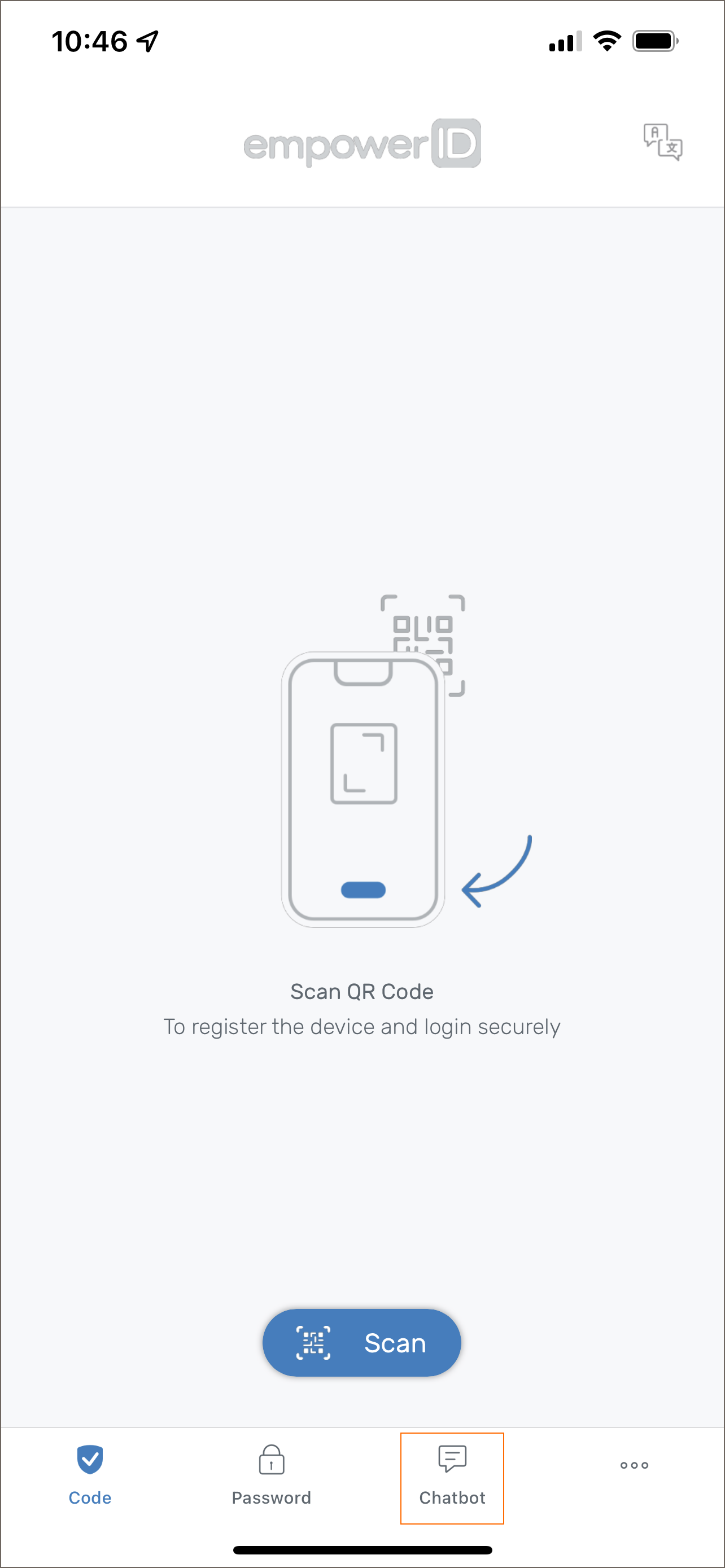
Tap the Chatbot tab at the bottom of the EmpowerID mobile app.
-
The Chatbot will display a list of supported commands for actions it can perform.
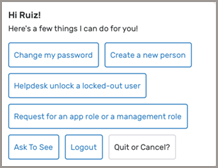
From here, you can type or tap commands to:
- View account info
- Change your password
- Request access
- Submit an approval
- Perform other self-service workflows