MyIdentity Overview
MyIdentity is the part of EmpowerID where you manage your personal information, access settings, and approval tasks. Whether you're updating your profile, changing how you get notifications, or delegating approvals while you're out of the office, MyIdentity gives you direct control — no help desk ticket required.
This guide gives you a quick tour of the main features available in the MyIdentity application.
What You Can Do in MyIdentity
MyIdentity is your self-service portal for:
- Viewing and editing your profile
- Setting your out-of-office status
- Choosing how and when to receive email notifications
- Assigning approval task delegations
- Viewing your organizational relationships
Depending on your role and permissions, you may not see every feature shown in this guide.
Navigating the MyIdentity Interface
When you log in to MyIdentity, the interface presents pages and features based on your role. The layout is designed to help you quickly find and manage your own data.
App Sidebar
Use the App Sidebar to navigate MyIdentity and other EmpowerID apps. Sidebar options depend on what access your organization has given you.
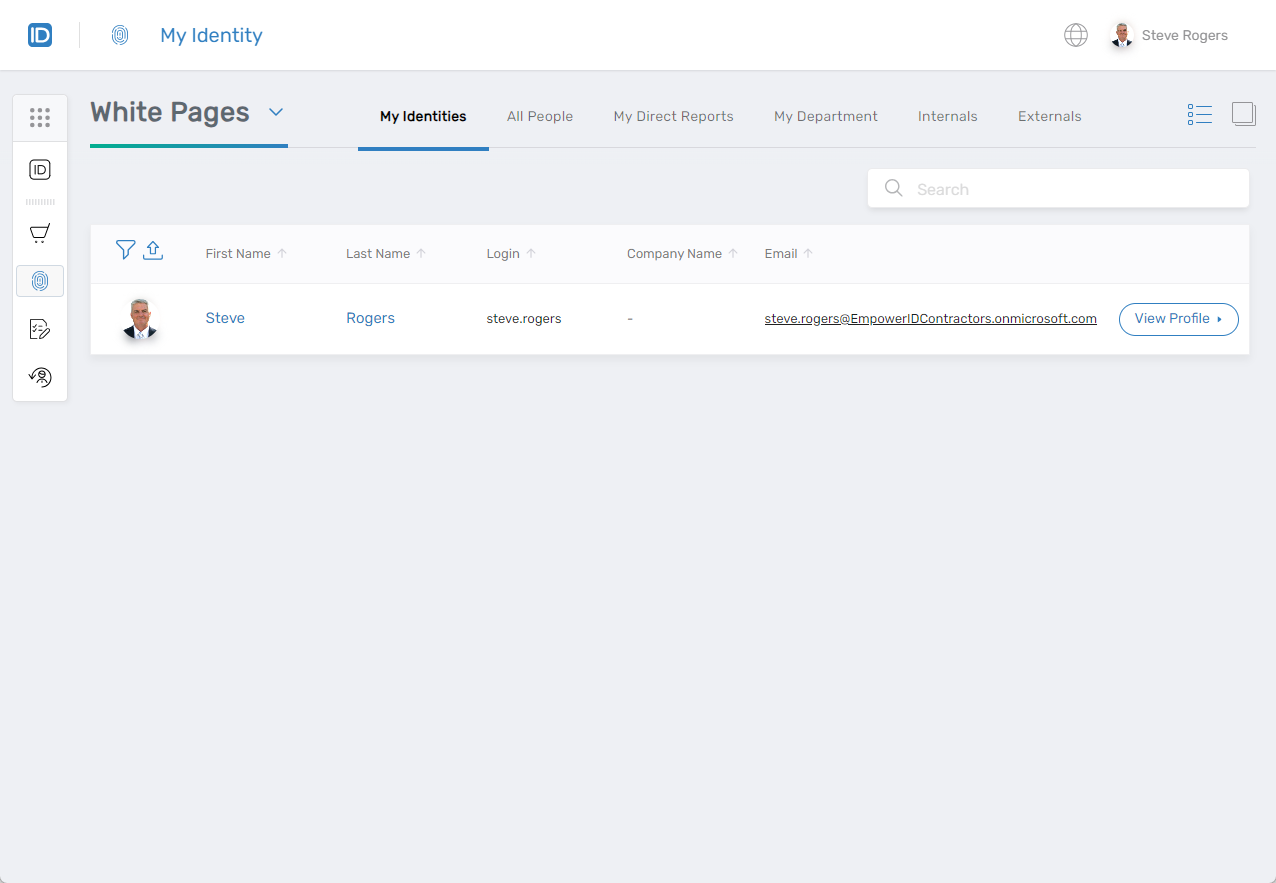
White Pages
The White Pages area lets you see identity information — both yours and others in your organization.
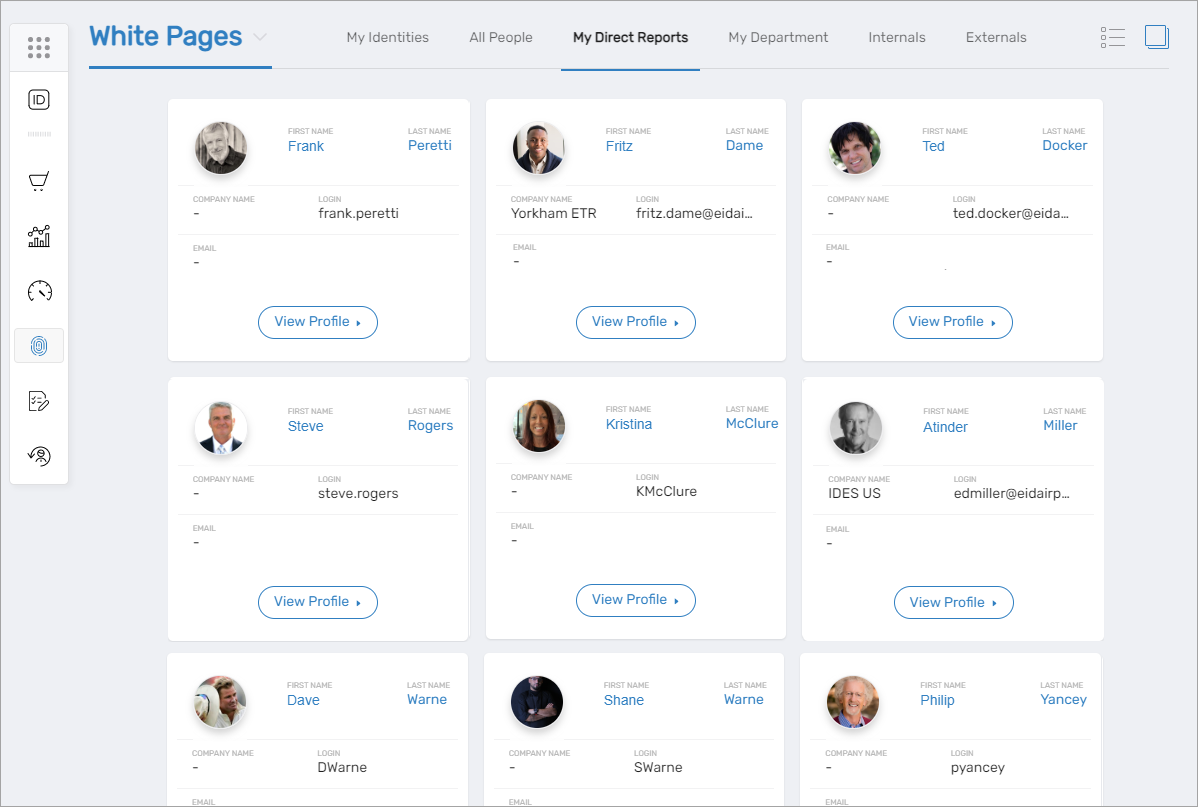
Depending on your role, you may also see:
- My Identities – All person identities associated with you
- All People – Everyone in your organization
- My Direct Reports – People you manage
- My Department – Coworkers in your department
- Internals – Internal employees
- Externals – External users like partners or customers
Key Features in MyIdentity
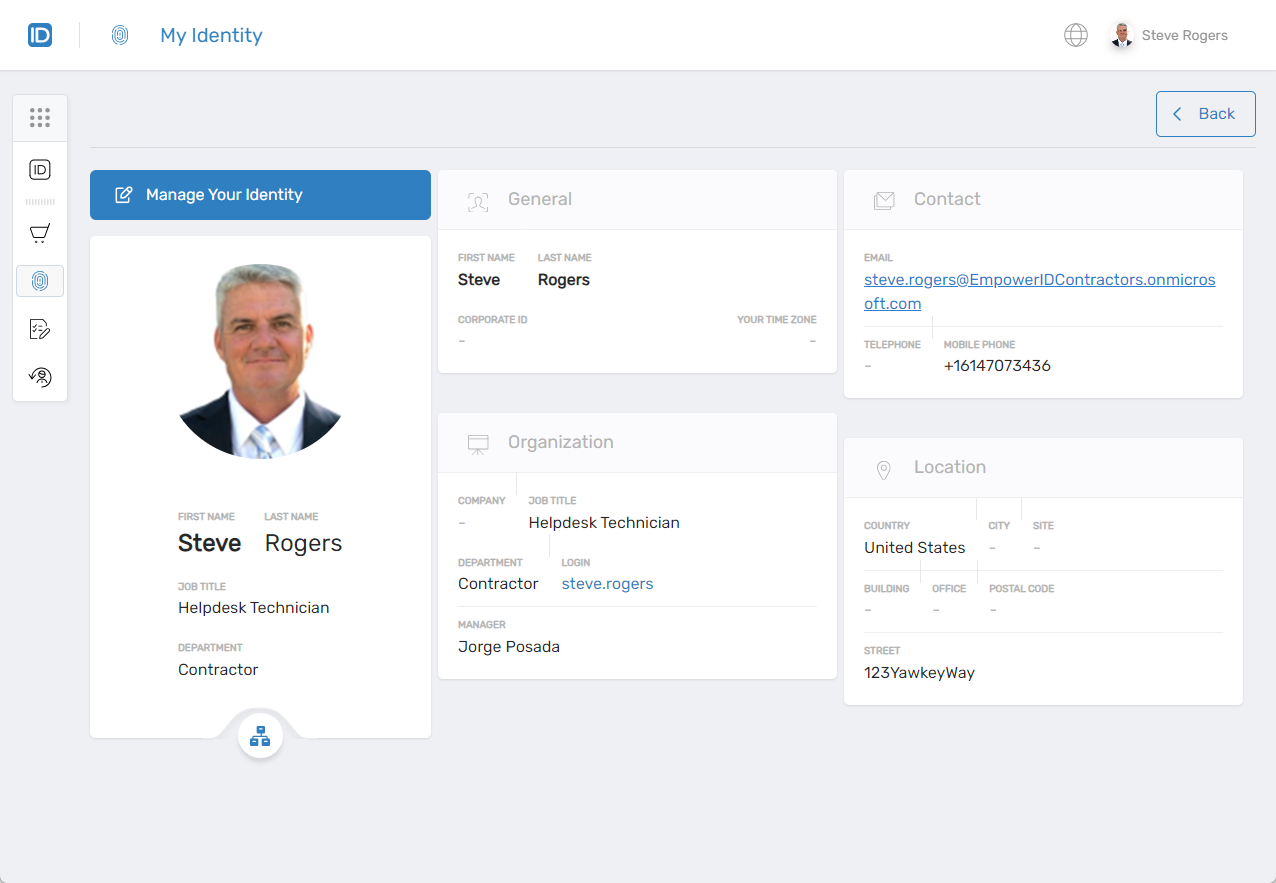
View Profile
See and edit your personal and organizational information, including name, contact info, and department. You can also set your out-of-office status here.
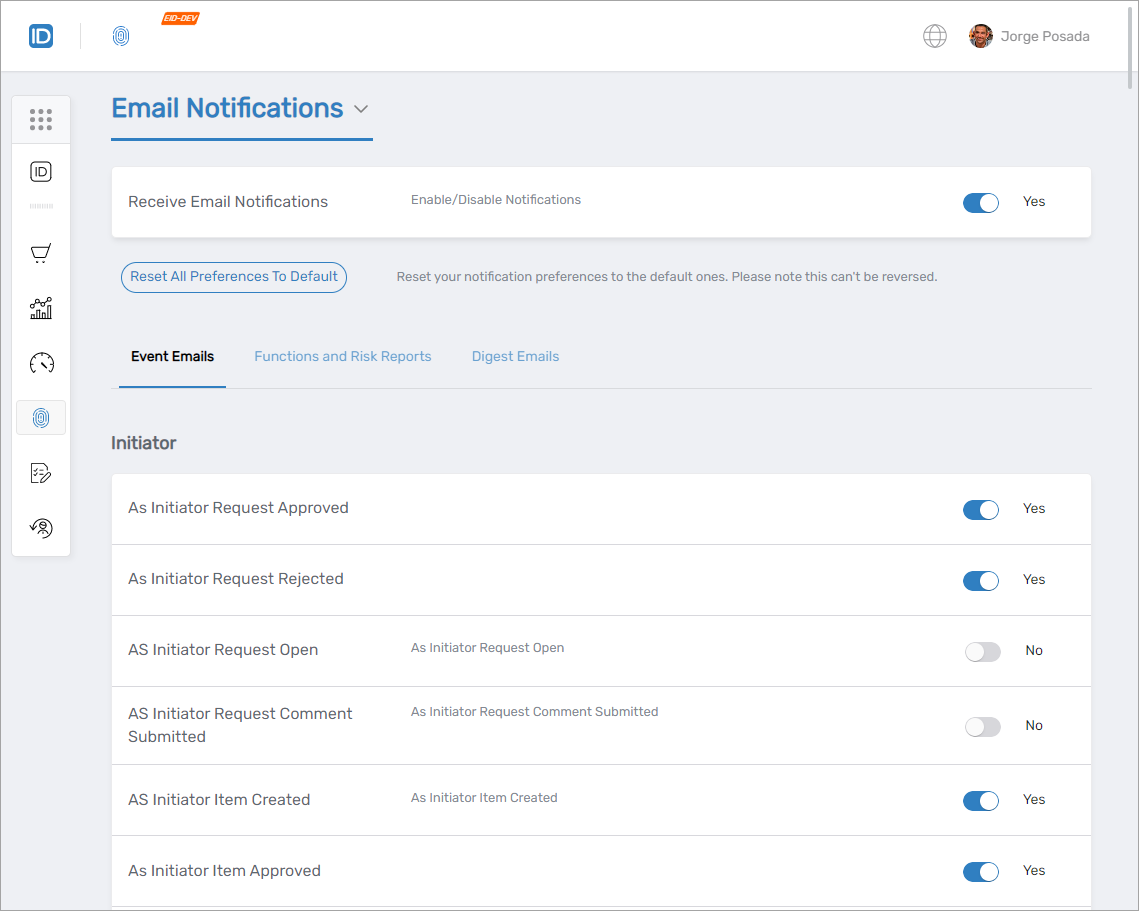
Email Notifications
Control which types of system notifications you receive and how often.
Approval Delegations
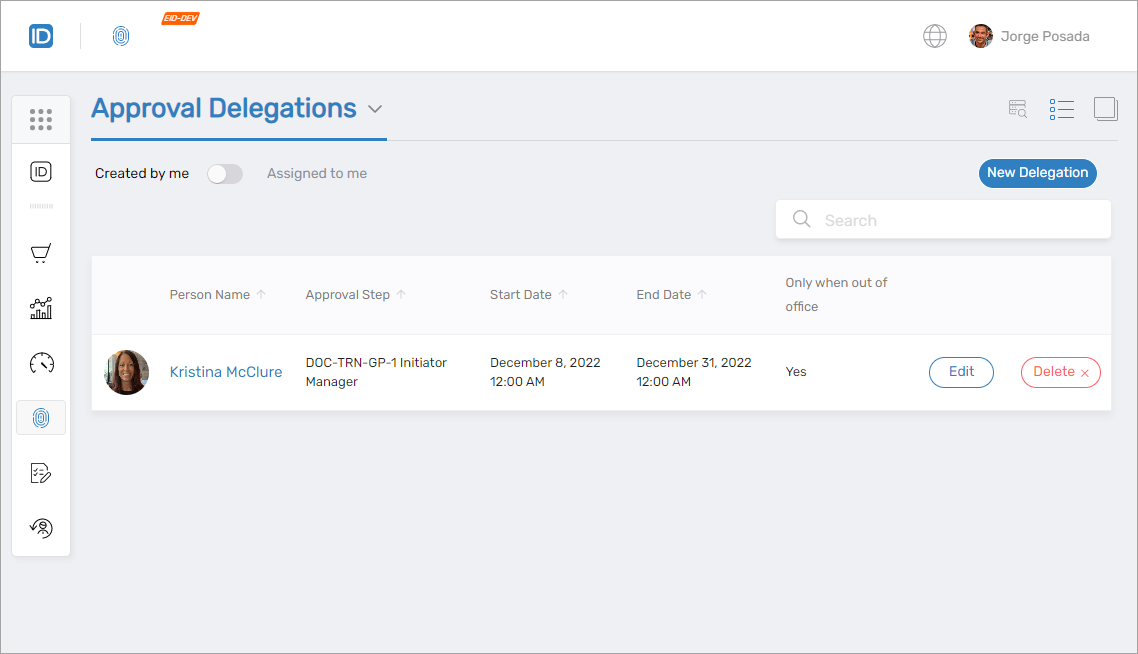
Allow someone else to approve tasks on your behalf when you're unavailable. You can assign permanent or temporary delegations and manage them at any time.
Workflows
Launch workflows you’re authorized to run based on your role. These could include tasks like requesting access or updating directory information.
Next Steps
To get started with specific features, check out these related guides: