Remove Groups from Groups
Removing nested groups from parent groups revokes inherited entitlements and delegations. When a group is removed, any permissions it inherited through the parent group's policies are processed according to those policies, ensuring dynamic access management in compliance with organizational rules.
Prerequisites
To remove groups from groups, you need appropriate access to manage group memberships in EmpowerID.
Remove a Nested Group
- Log in to the Resource Admin app in your environment.
- Select Groups as the resource type and search for the parent group.
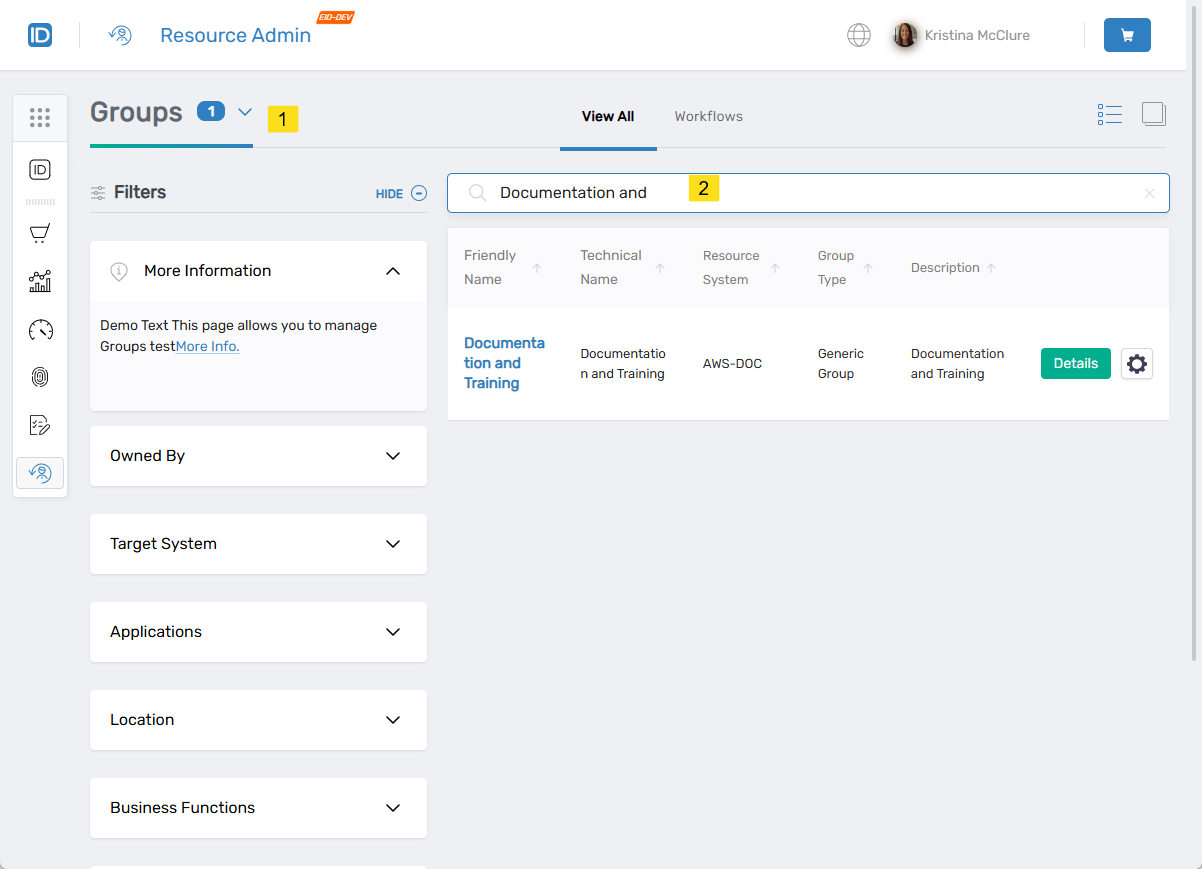
- Click the Details button for the group record.
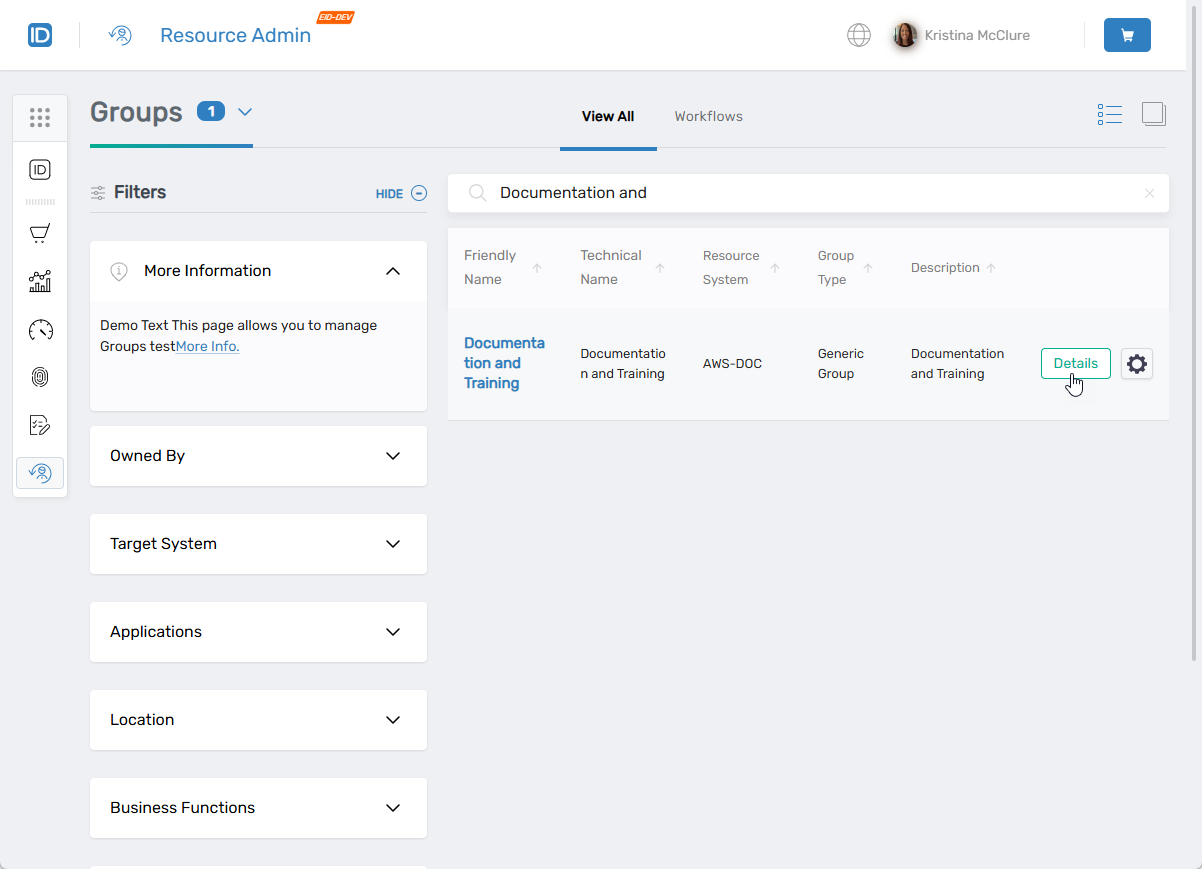
- Select the Nested Group Members menu item.
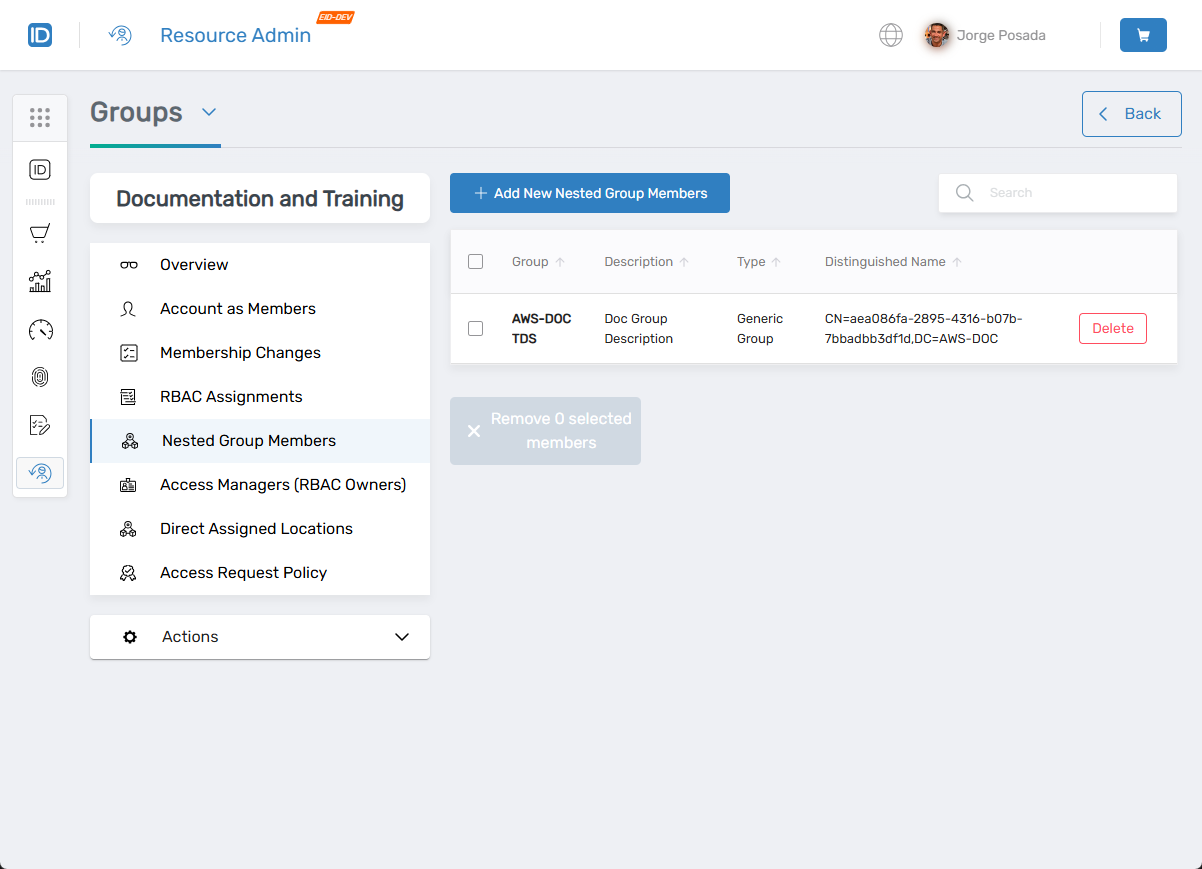
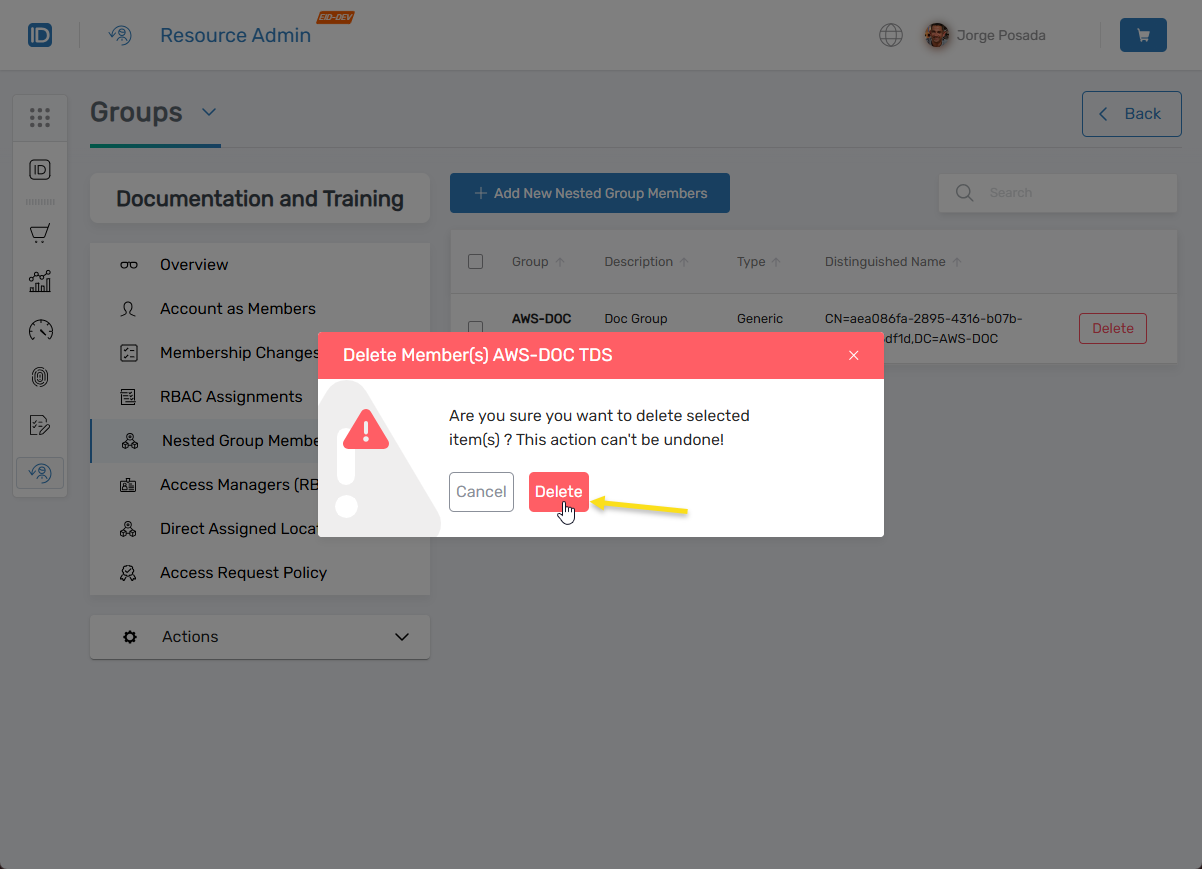
- Locate the nested group record you want to remove and click the Delete button.
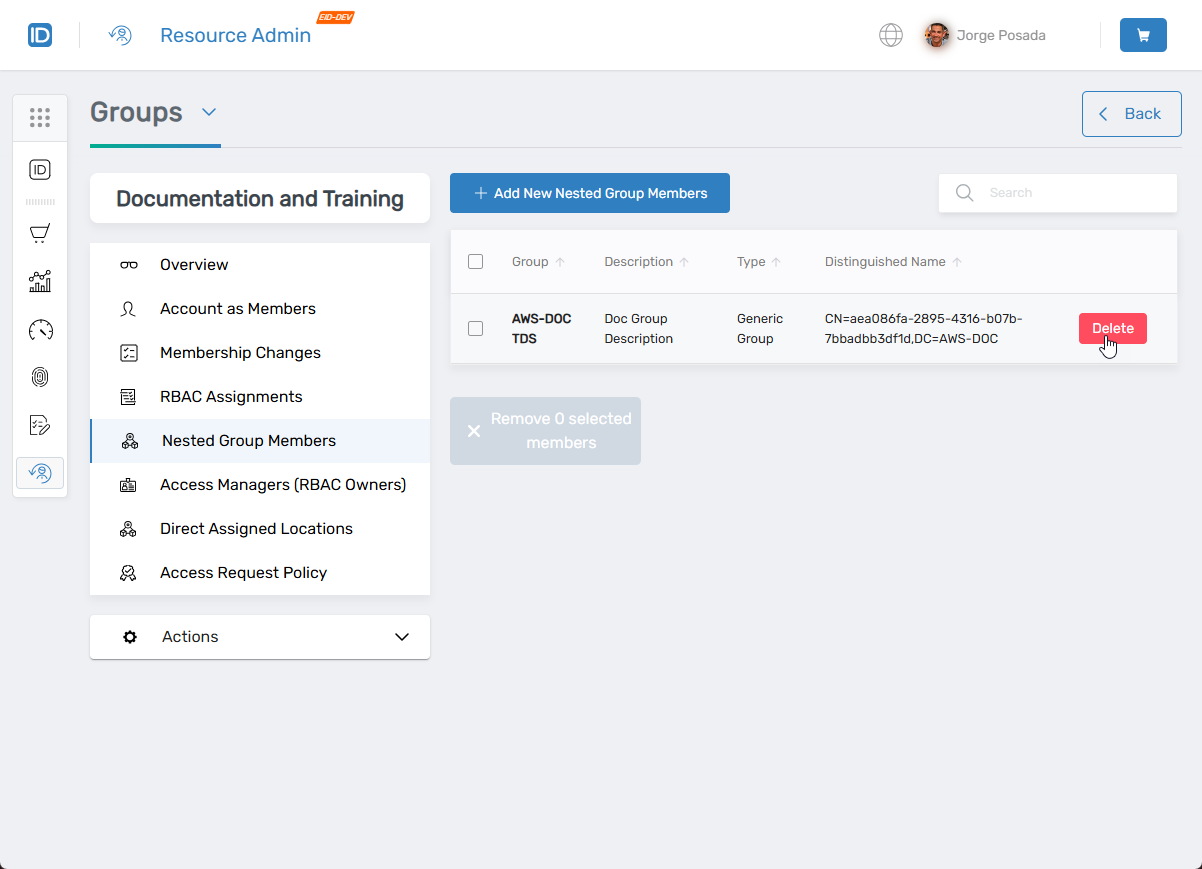
- Click Delete to confirm, or click Cancel to exit.
Results
After removing the nested group:
- The nested group is removed from the parent group's membership
- Members of the nested group no longer inherit entitlements and delegations from the parent group
- The nested group no longer appears in the parent group's Nested Group Members list
- Access changes are processed according to the parent group's policies
Related Topics
- Add Groups to Groups – Nest groups for inherited permissions
- Role-Based Group Memberships – Configure dynamic membership assignments
- About the View One Group Page – Navigate group management interfaces