About the View One Group Page
The View One Group page is the primary interface for viewing and managing individual groups in EmpowerID. This page provides administrators and delegated users with access to group information, membership management, access control, and configuration options through an organized set of tabs and accordions.
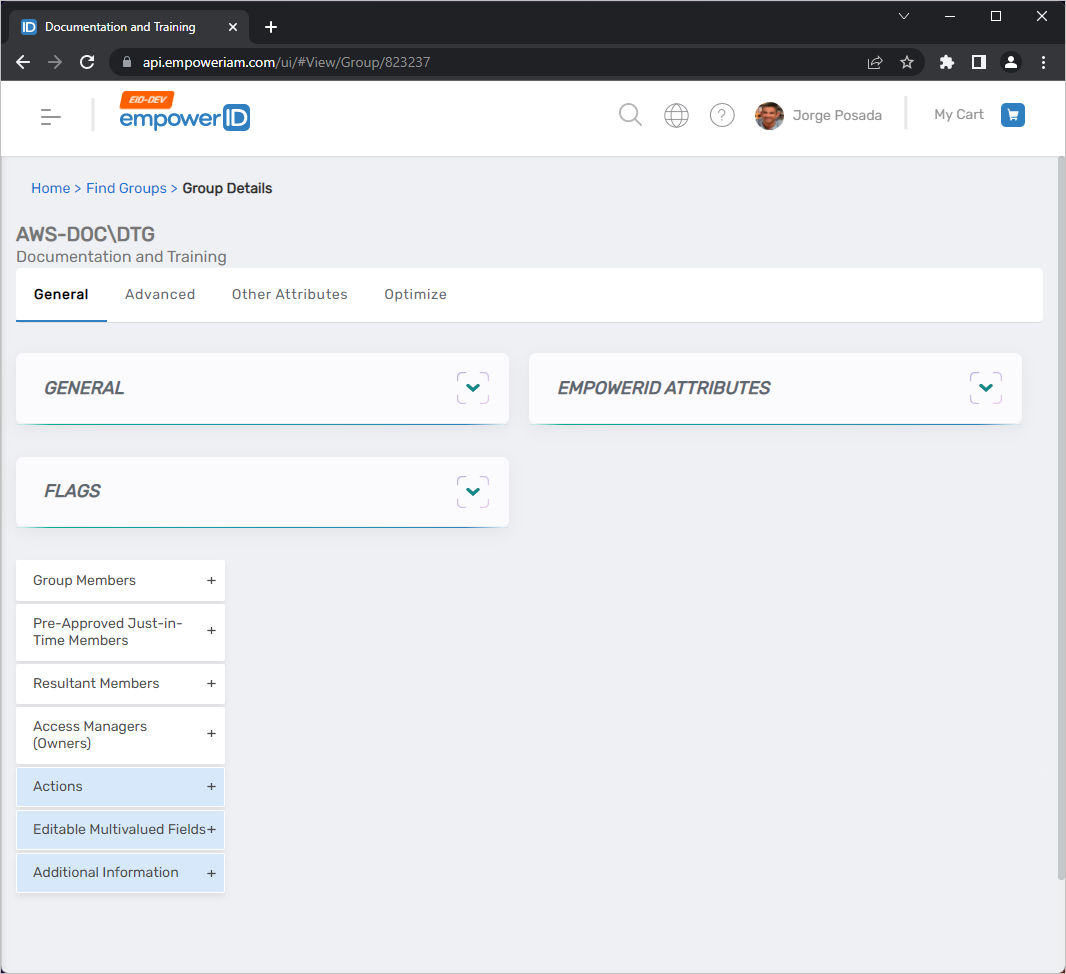
General Tab
The General tab displays core group information and provides access to common management workflows. This tab is the default view when opening a group.
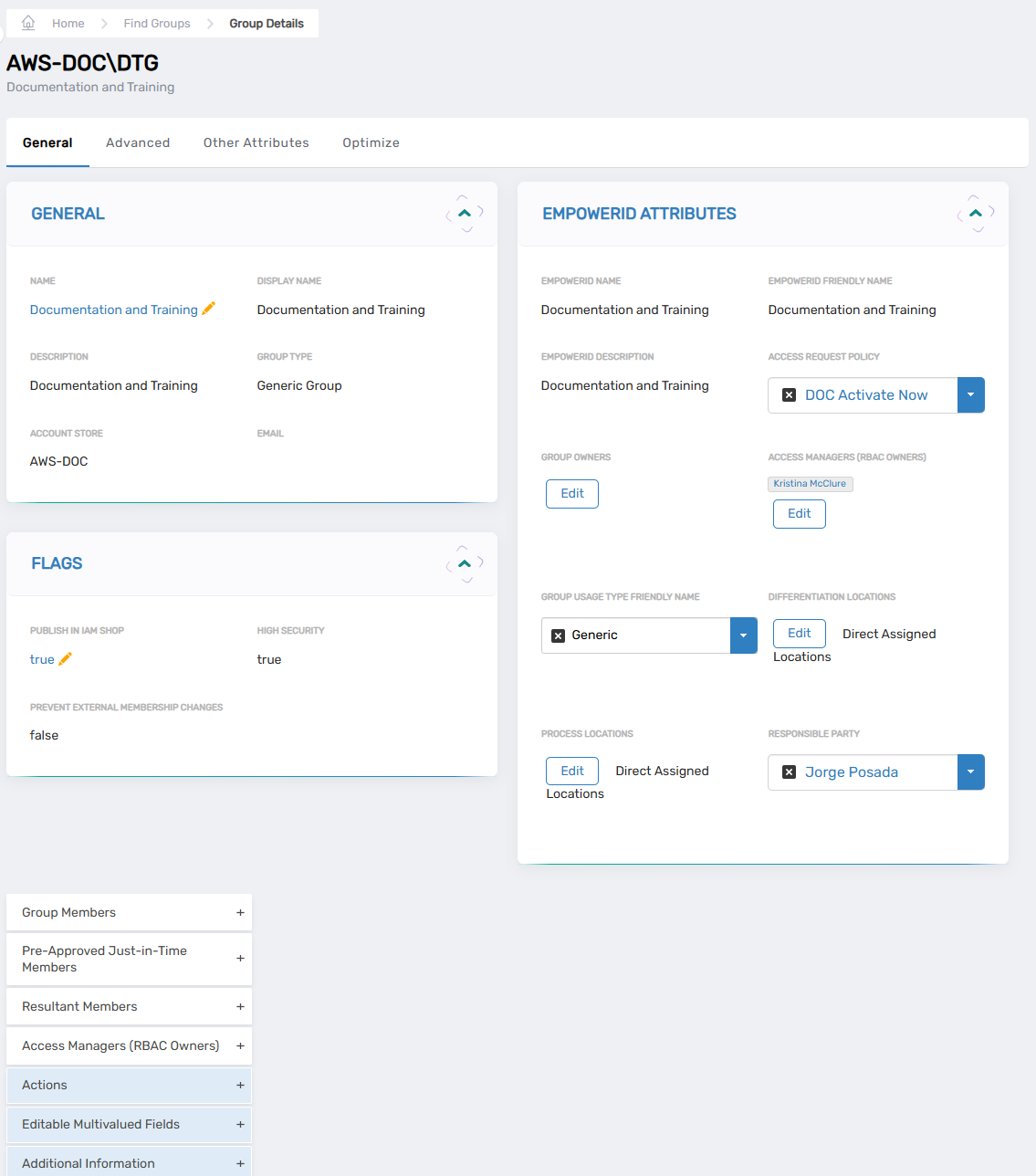
General Card
Displays basic group information:
- Name – Group name in the account store
- Display Name – Friendly name for the group
- Description – Group description
- Group Type – Classification of the group (Security, Distribution, etc.)
- Account Store – Source directory or system containing the group
- Email – Email address (for mail-enabled groups)
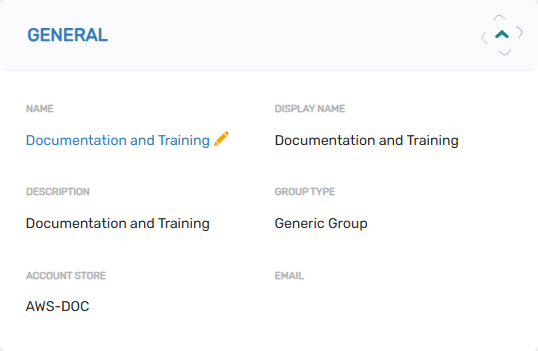
Flags Card
Controls group behavior settings:
-
Publish In IAM Shop – When enabled, eligible users can request access to the group through the IAM Shop
tipPublishing a group does not make it visible to all users. Users must be granted eligibility before they can discover and request access to the group.
-
High Security – Marks the group as high security for additional scrutiny
-
Prevent External Membership Changes – Blocks membership changes originating from the external account store
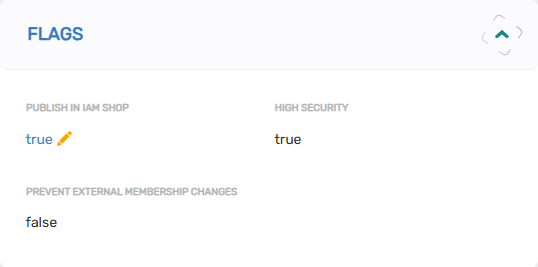
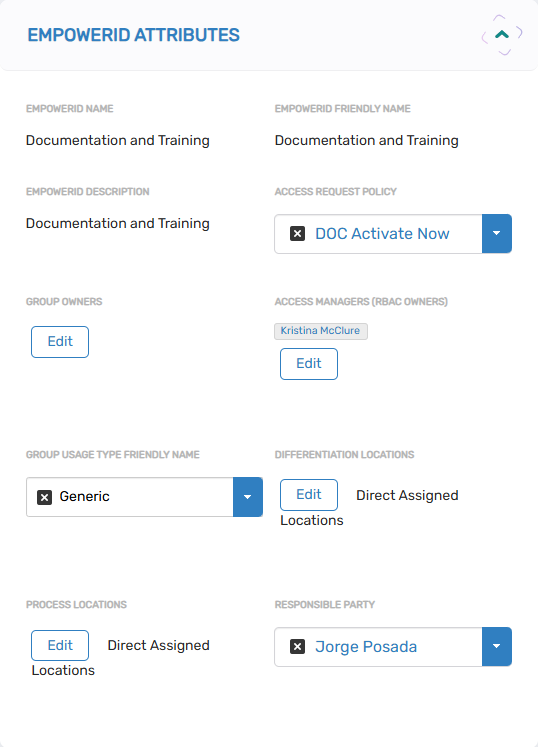
EmpowerID Attributes Card
Configures EmpowerID-specific settings that enhance group functionality without affecting the external account store:
- EmpowerID Name – Display name shown to users in the IAM Shop (stored in EmpowerID only)
- EmpowerID Friendly Name – Alternative friendly name for IAM Shop display
- EmpowerID Description – Description shown in the IAM Shop
- Access Request Policy – Policy controlling access request approval workflows
- Group Owners – Users granted ACT-Group-Object-Administration access level for approval workflows
- Access Managers (RBAC Owners) – Users granted Access Manager access level
- Group Usage Type Friendly Name – Classification for filtering groups in the IAM Shop
- Differentiation Locations – EmpowerID locations for organizational placement
- Process Locations – Logical containers matching group function
- Responsible Parties – Users responsible for the group (granted Access Manager access by default)
Group Management Accordions
The General tab includes several accordions for managing group aspects:
-
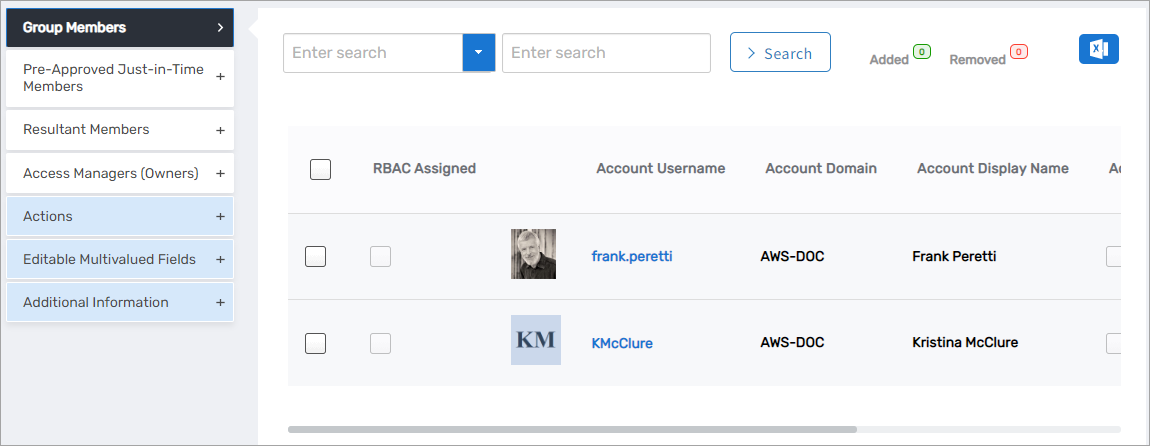
Group Members – View and modify direct group memberships
-
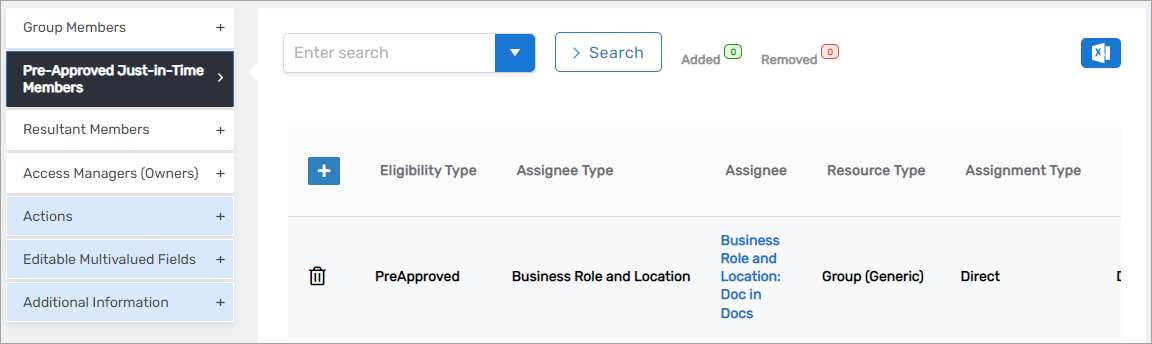
Pre-Approved Just-in-Time – Configure automatic membership grants for eligible assignees
-
Resultant Membership – View all members including direct and indirect memberships
-
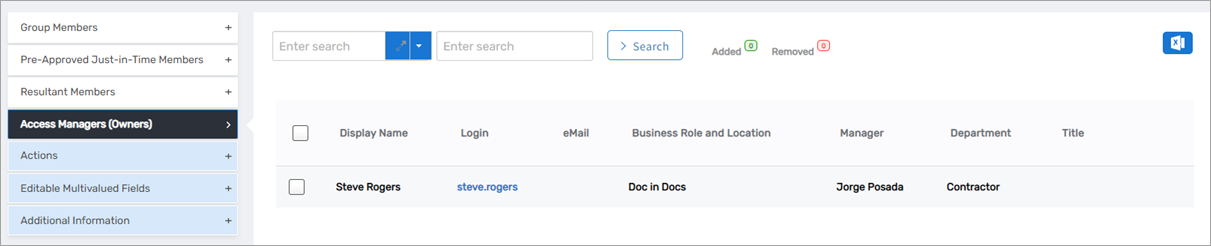
Access Managers (Owners) – Manage group owners
-
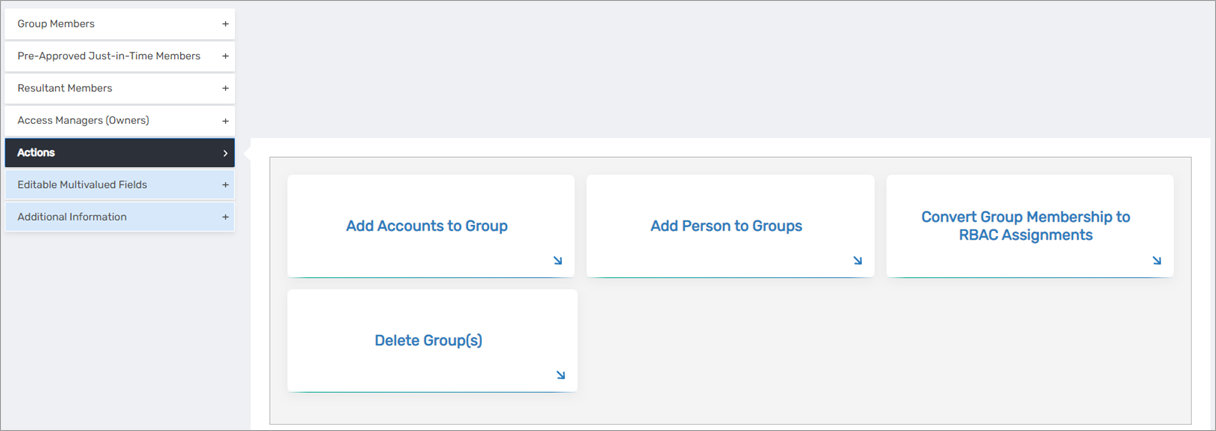
Actions – Access common workflows for group operations (available actions depend on group type)
-
Additional Information – Access extended group information like "Who Has Access to this Group"
Advanced Tab
The Advanced tab provides detailed technical information and additional configuration options through multiple subtabs.
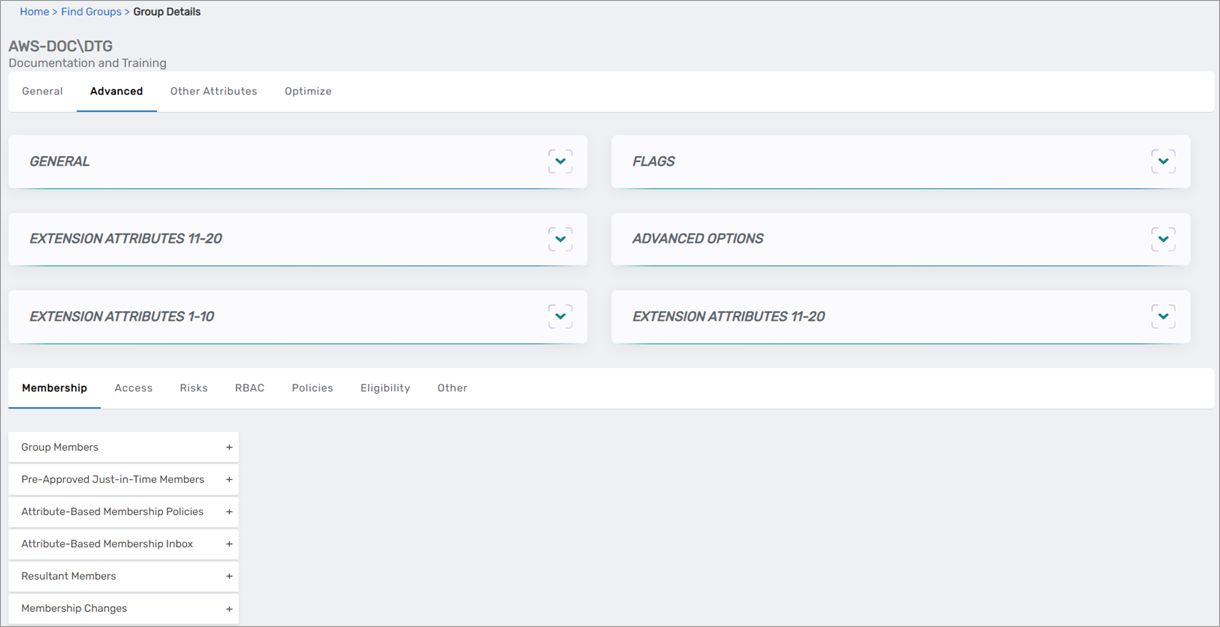
Cards on Advanced Tab
-
General Card – Repeats basic group information from the General tab
-
Flags Card – Repeats behavior settings from the General tab
-
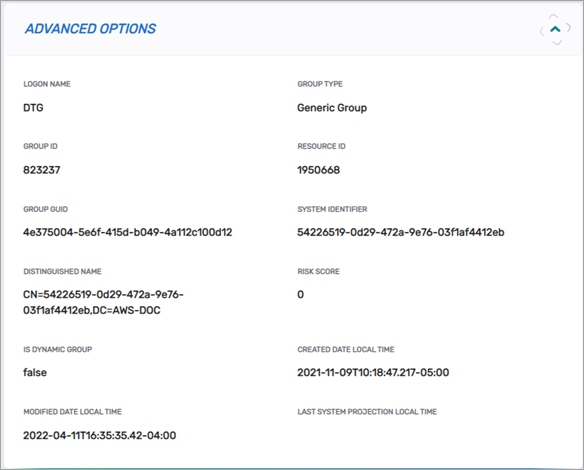
Advanced Options Card – Displays technical details like Group GUID
-
Extension Attributes Cards – Display custom extension attributes (1-10 and 11-20)
Subtabs on Advanced Tab
-
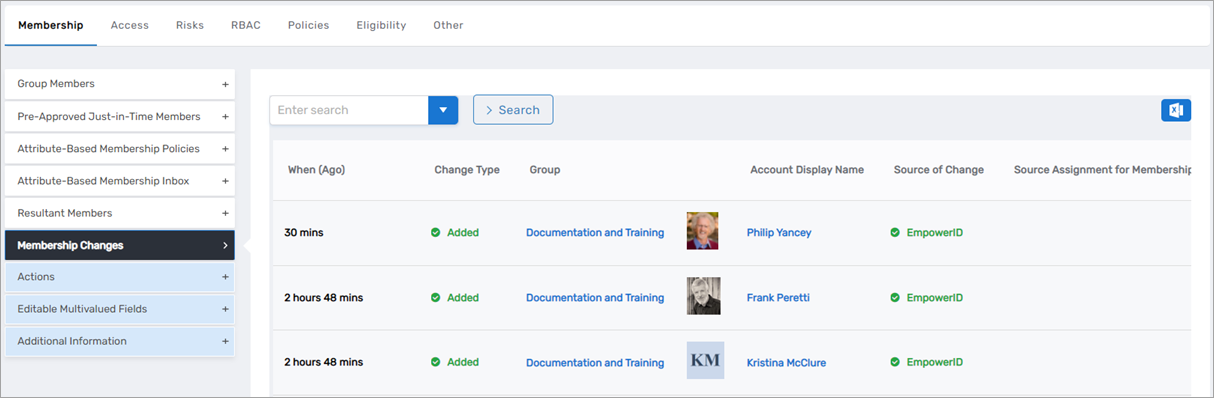
Membership Tab – Categorized membership information
-
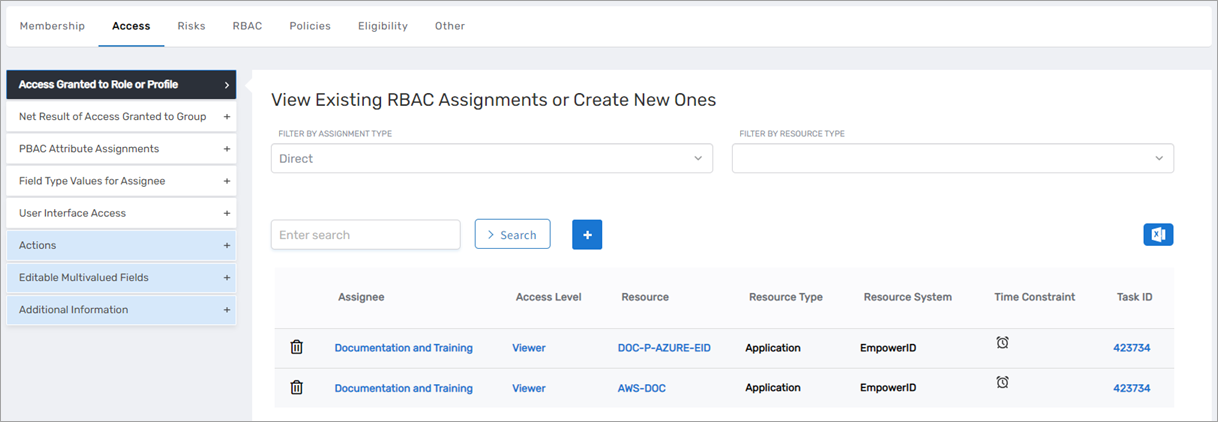
Access Tab – Current access grants by category
-
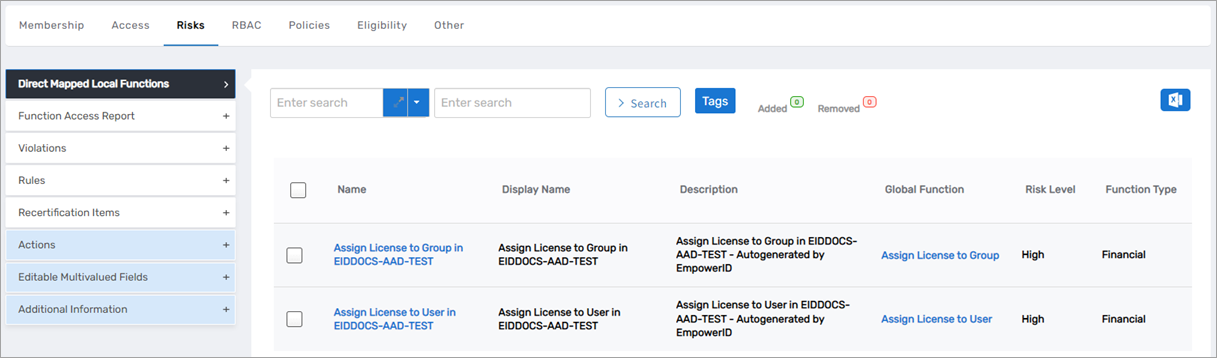
Risks Tab – Risk information including local functions granted to the group
-
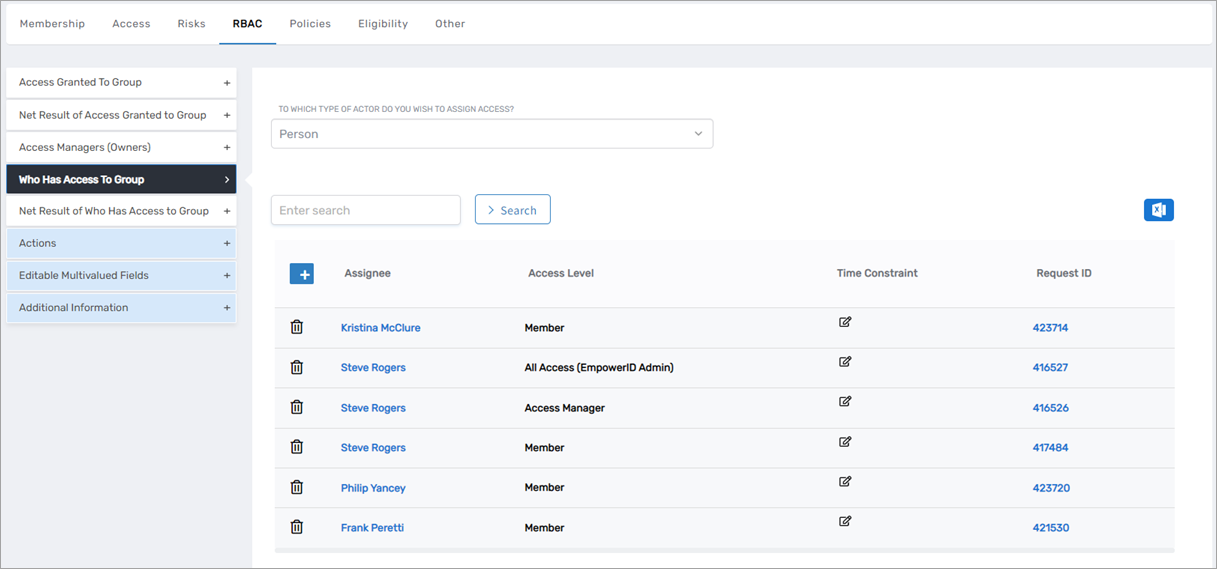
RBAC Tab – Categorized RBAC information including group memberships
-
Policies Tab – Policy information including inherited resource entitlements
-
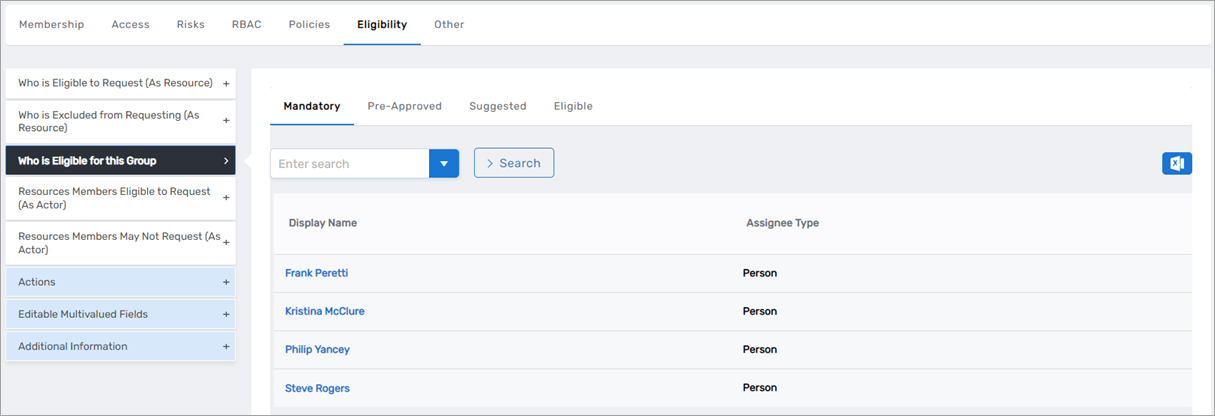
Eligibility Tab – Eligibility assignments showing who can request group membership
-
Other Tab – Miscellaneous information like search tags

Other Attributes Tab
The Other Attributes tab displays extension attributes and custom fields specific to the group, along with quick access to common actions.
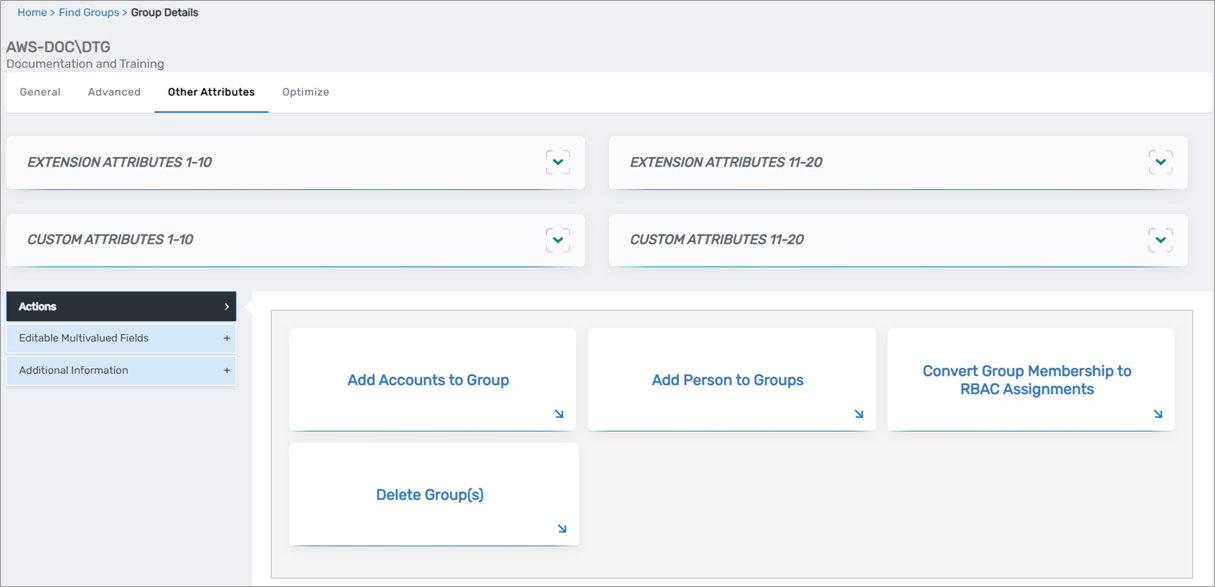
Available actions depend on the group type. For example, "Convert Group Membership to RBAC Assignments" appears only for Generic group types.
Optimize Tab
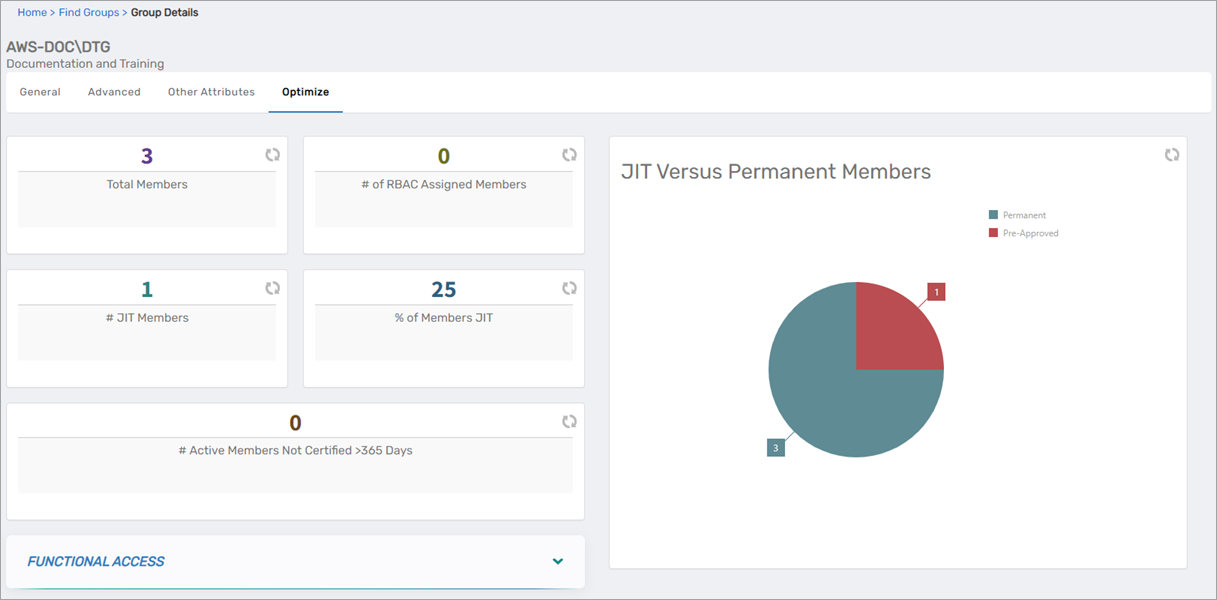
The Optimize tab provides visual dashboards and analytics for group membership management, risk assessment, and least privilege analysis.
Dashboards and Cards
-
Membership Dashboard – Quick view of member counts including JIT versus permanent members
-
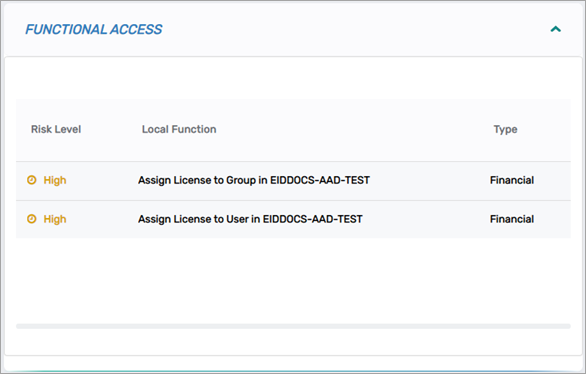
Functional Access Card – Local functions and associated risk levels
Management Accordions
-
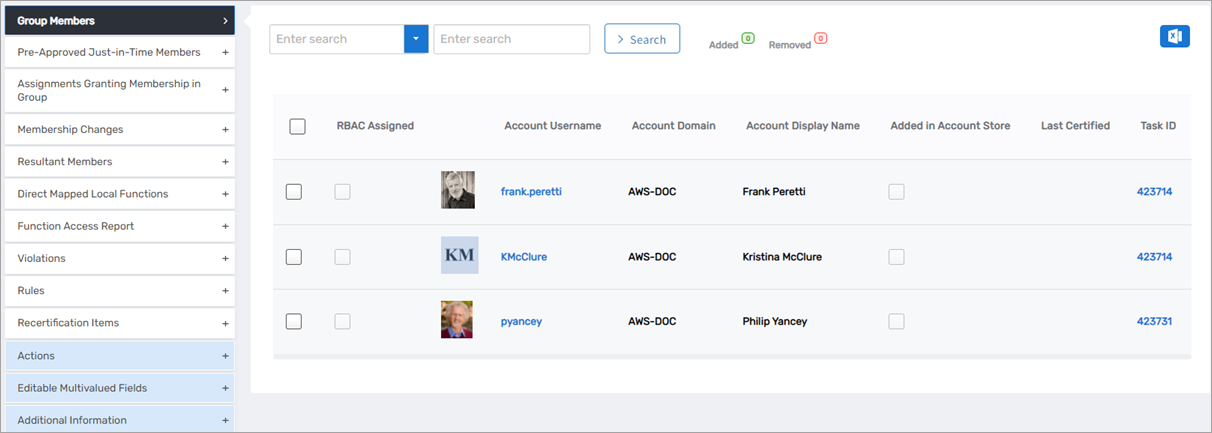
Group Members – Manage current memberships
-
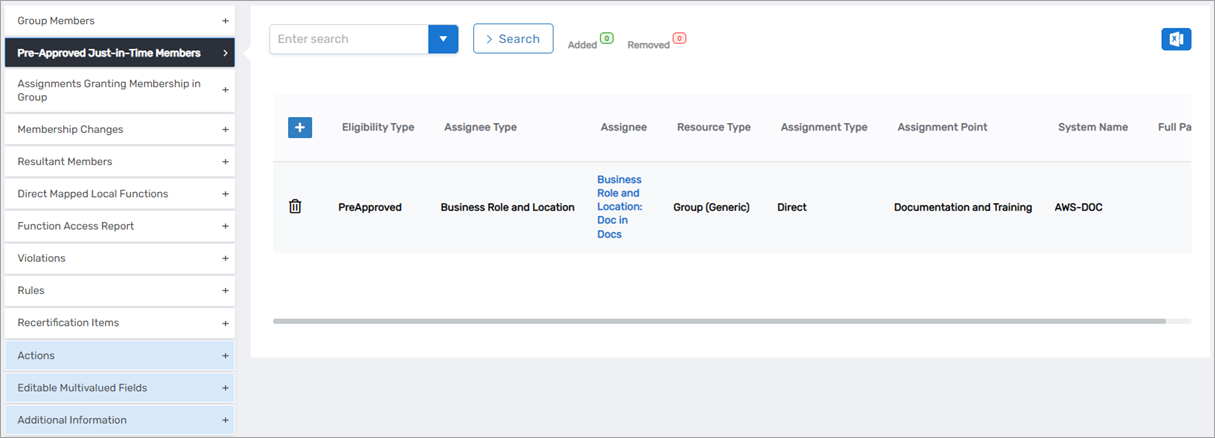
Pre-Approved Just-in-Time Members – Assignees with automatic membership grants
-
Assignments Granting Membership in Group – Origin information for memberships
-
Membership Changes – History of membership modifications
-
Resultant Members – Complete member list including indirect members
-
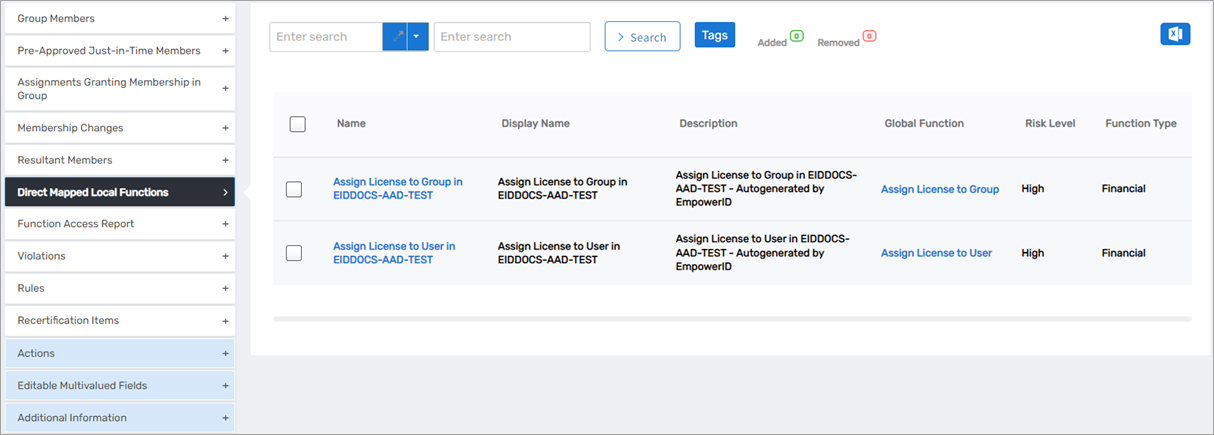
Direct Mapped Local Functions – Functions mapped directly to the group
-
Function Access Report – Direct and indirect function access
-
Violations – Policy violations for risk management
-
Rules – Associated risk rules
-
Recertification Items – Items requiring periodic review
-
Actions – Common workflow tiles for group operations
Related Topics
- Add Groups to Groups – Nest groups for inherited permissions
- Role-Based Group Memberships – Configure dynamic membership assignments
- Access to Groups – Required permissions for group management