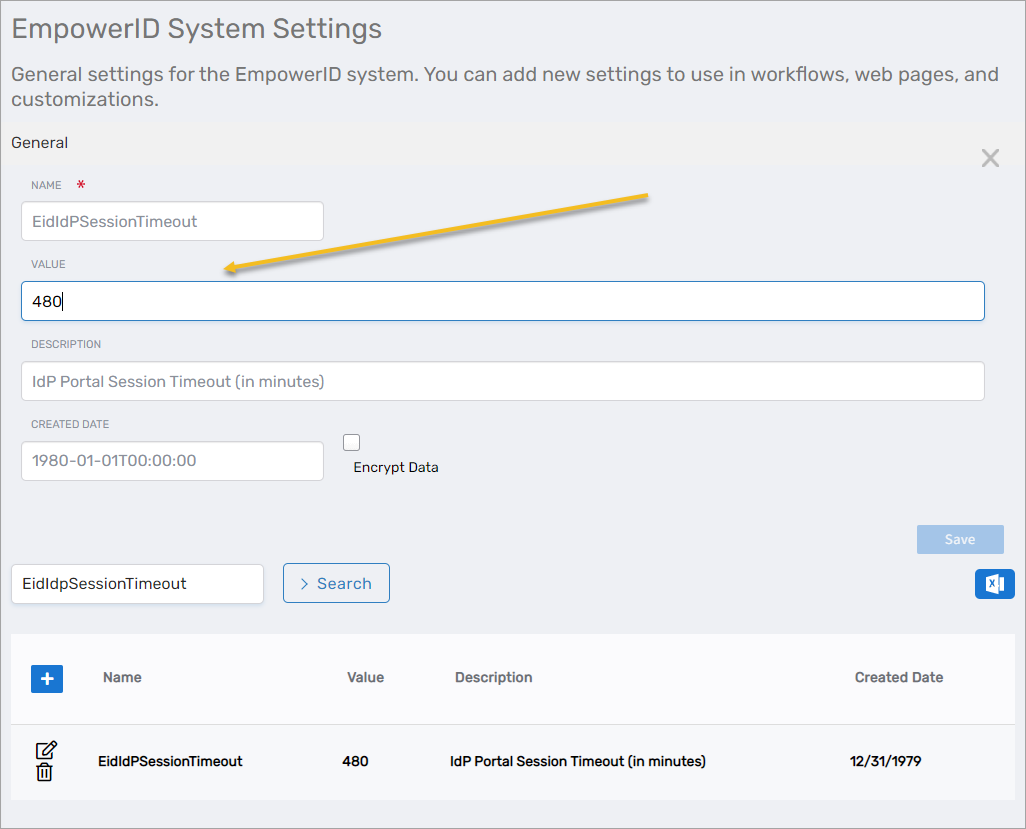
Adjusting the Default Session Timeout
EmpowerID logs users out of their web sessions after a specified period of inactivity. When this occurs, EmpowerID also logs those users out of any federated SSO sessions they initiated with EmpowerID, if those federated partners support SLO.
By default, this timeout is set to 480 minutes (8 hours), but can be changed to meet your specific policy requirements.
To Adjust the Default Session Timeout
-
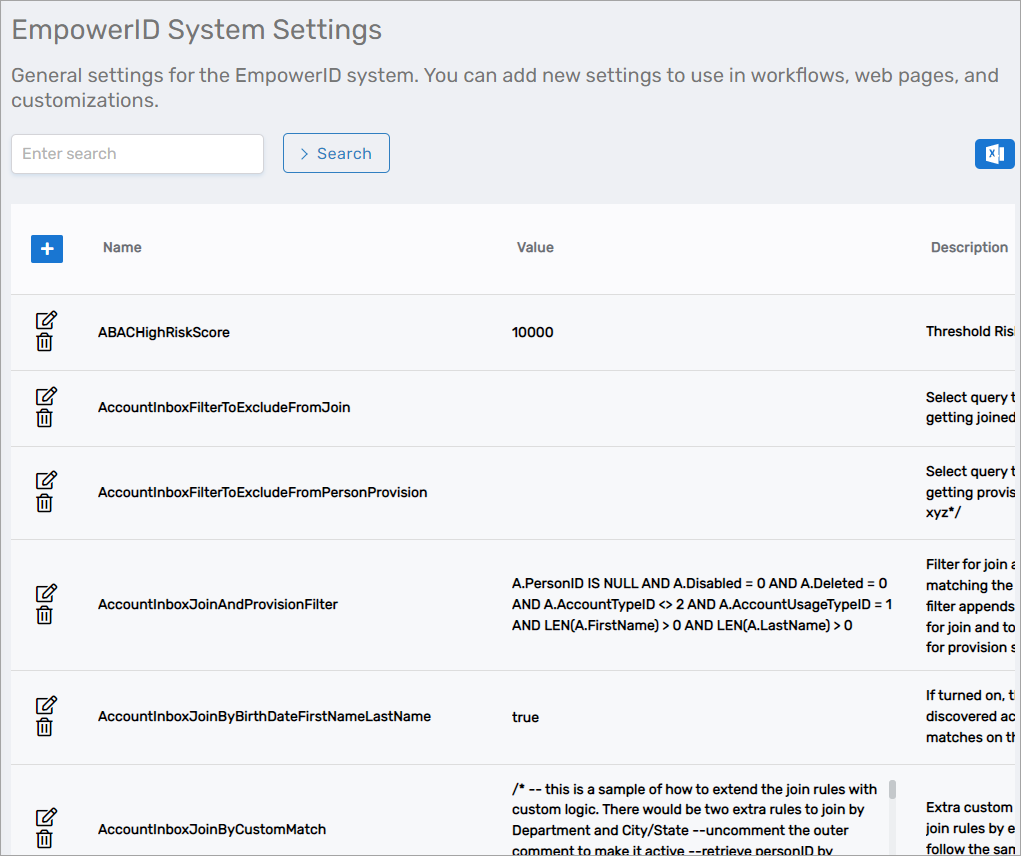
On the navbar, expand Infrastructure Admin > EmpowerID System Settings and select EmpowerID System Settings.
This directs your browser to the EmpowerID System Settings page. From this page, you can adjust a number of the general settings for the EmpowerID system, including the session timeout setting, which is named EidIdPSessionTimeout.
-
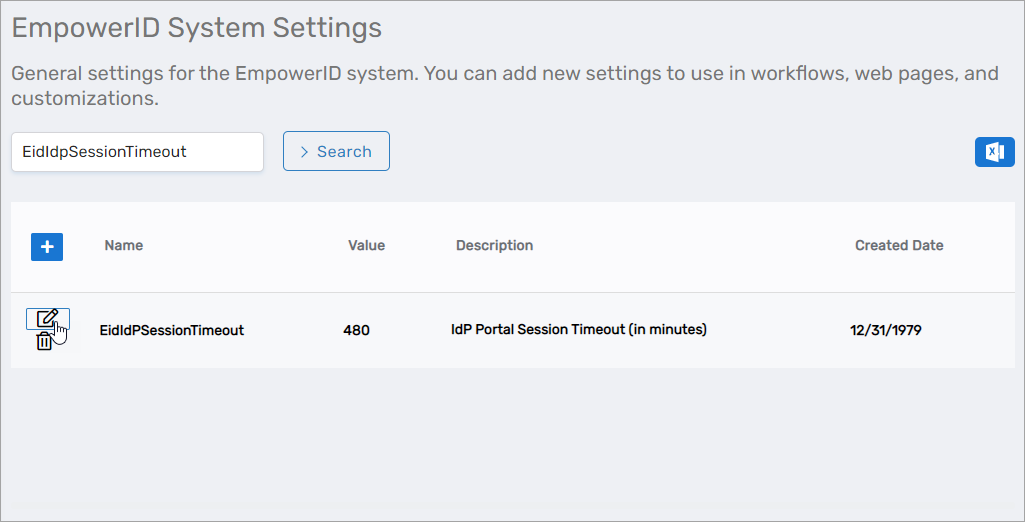
On the EmpowerID System Settings page, search for EidIdPSessionTimeout and then click the Edit button for the setting.
-
In the General Settings dialog that appears, enter the desired timeout value in minutes in the Value field and click Save.